
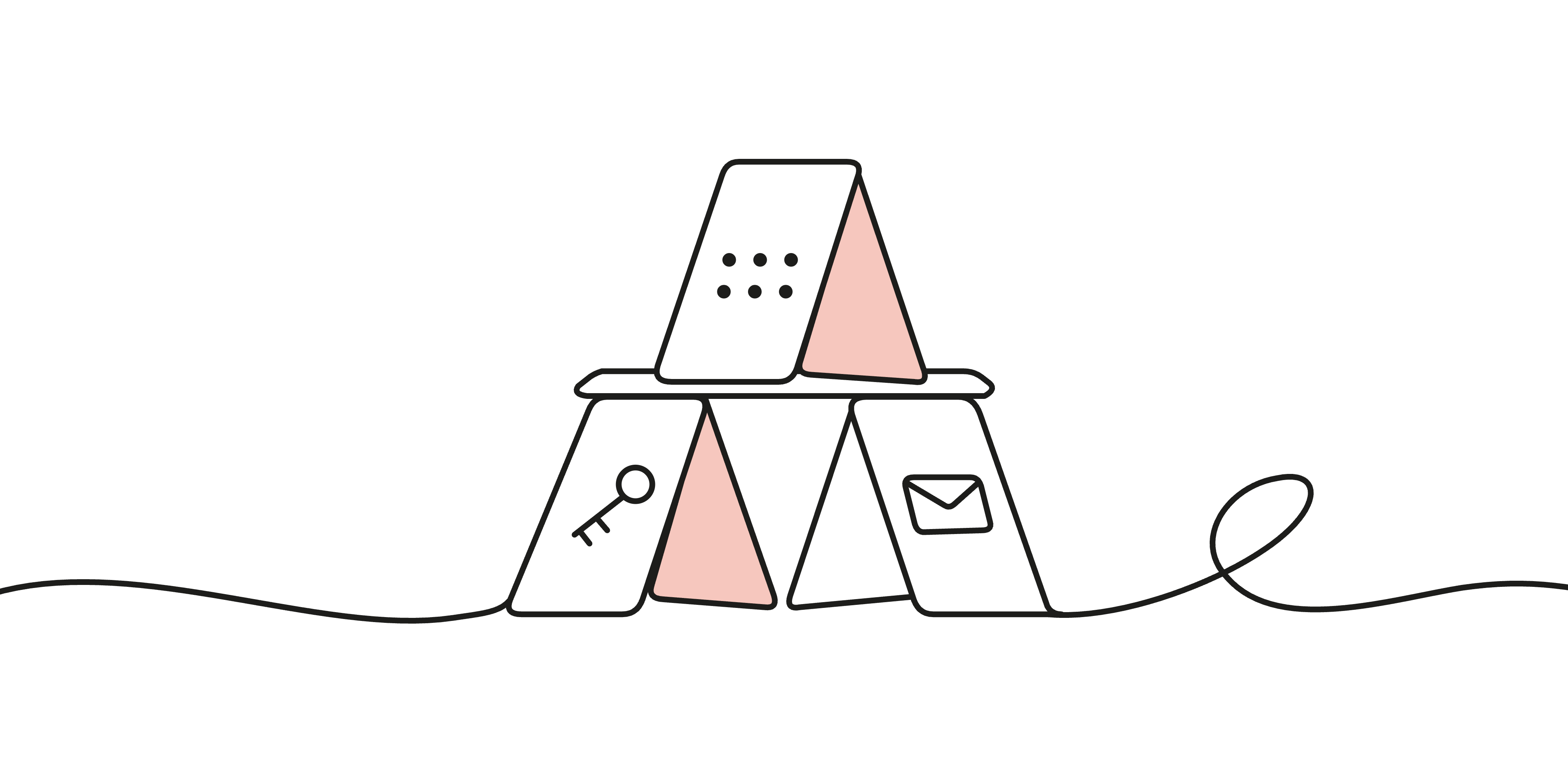
You open your exchange app, enter a password, and confirm with a code from your authenticator app. If anything goes wrong, you can reset access through your email. It feels like several layers of protection. But where do all those layers live?
For many people, the answer is the same phone.
Modern smartphones have strong security protections. Still, iOS and Android continue to receive fixes for vulnerabilities that attackers have already used in the wild, sometimes even without the user having to open a message or installing anything. Just recently, security company iVerify reported that an iPhone had been infected through a malicious advertisement while its user was simply scrolling Instagram. No click on the ad was needed. The attack used a variant of “DarkSword”, capable of stealing saved passwords and cryptocurrency wallet data.
When one device holds your wallet keys, account sessions, authentication tools, and recovery inbox, a serious compromise can affect several safeguards at once.
This is one of the main reasons to limit how much data and control you entrust to your phone. You should still use it, update it, and protect it. But your life savings should also have defense mechanisms in place that remain meaningful if it fails.
AI is finding bugs in more than hardware wallets
Recent reports of AI-assisted security research can make hardware wallets seem fragile, with new security issues being discovered across the board. Discovered vulnerabilities deserve attention, especially when they can put funds at risk. We have had to address security issues ourselves, including those documented in the recent Dixence security update.
But the same research tools also apply to the software running on everyday computers and phones. In March 2026, Anthropic reported that its collaboration with Mozilla had uncovered 22 Firefox vulnerabilities in just two weeks, including 14 rated with high severity. The impact of AI-assisted bug discovery extends well beyond dedicated security devices, and the pace at which new bugs and methods are found and exploited is unprecedented.
Just looking at the number of reported CVEs (a system to identify and track vulnerabilities) per year, this trend becomes even more evident:
Finding more bugs does not automatically mean a product has become less secure: fixing them improves it. Nor does a smaller number of public reports prove that another product is safer. What matters is what an attacker can actually exploit, what a successful attack exposes, and what protections remain afterward. We went into this in more detail in our post about hardware wallet firmware upgrades in the age of AI.
A phone has many jobs. It browses websites, receives messages, decodes media, and communicates with mobile networks. And because of that, some processing happens before you even touch the screen. All the places where it accepts potentially hostile input make up its attack surface – which is naturally much higher than purpose-built devices with limited functionality.
What recent iOS and Android vulnerabilities show
To recap from our article about zero-day vulnerabilities: A zero-day exploit uses a vulnerability before it is even known and a fix is available. A zero-click exploit requires no interaction from the victim to work. An attack can be one, both, or neither.
Reported software vulnerabilities have risen sharply in 2026. Across the software industry, Google recorded more than twice as many disclosures in August as in January: roughly 10,700 compared with 5,000. Changes in how bugs are found and recorded contribute to this rise, so the numbers alone cannot tell us how many devices have been compromised.
On phones, both Apple and Google had to fix issues this year for vulnerabilities they say may have been used in targeted attacks. Modern smartphones have strong defenses, but those defenses still have weaknesses that attackers can exploit. Keeping your phone updated is essential, but a security update can only help once a fix is available.
Your savings should therefore have protections in place that remain, even if your phone is compromised, such as using a hardware wallet with a display and using two factor authentication that is actually independent of your phone for sensitive accounts such as your online banking.
Sophisticated exploits also reach crypto thieves
It would be tempting to dismiss advanced exploits for iOS and Android as something only journalists or political targets need to consider. But the history of exploit reuse shows otherwise.
In March 2026, Google published its investigation of Coruna, an iPhone exploit kit they had tracked during 2025. The kit was observed in surveillance-related operations, and then later in financially motivated campaigns, including delivery through fake cryptocurrency websites. The malicious software searched for wallet recovery words and targeted cryptocurrency apps.
Coruna contained several exploit chains with more than 20 different exploits targeting older iOS releases, from version 13.0 through 17.2.1. Google said the kit did not work against the current iOS version when the report was published.
In other words: updating your phone clearly matters. So does limiting what an attacker can find if a device is compromised. A photograph of recovery words or a seed phrase saved in a note defeats the separation you intended to create with a hardware wallet.
Two factors, one phone
For funds still being held on an exchange, an attacker does not need your Bitcoin private keys. They need sufficient access to the exchange account, or they need to convince you to authorize a withdrawal.
Multi-factor authentication requires several different kinds of proof, such as a password, control of an authenticator app or email address. While these are very important protections you should definitely use, they do not automatically save the day, since they are not actually independent of each other in many cases.
Authenticator apps, email accounts and of course SMS messages are usually available all on the same device. This is why you should try to separate your authentication methods from each other, e.g. by using hardware security keys, or explicitly limiting access to second factors to different devices.
Using an exchange and an authenticator on one phone does not automatically invalidate the second factor. App isolation and hardware protections still matter and play their part. However, a compromise that crosses those boundaries can affect both.
There is another distinction: logging in is not the same as staying logged in. Services often remember an authenticated session using a session token. Where malware can steal a reusable session token or act through an already authenticated app, it may not even need to repeat the original login process.
Your recovery email belongs in this assessment too. A strong login method loses some of its value if a weaker recovery route lets someone replace it. Ask yourself: If your email account gets compromised, which other accounts can be accessed through a “password reset” feature as a result as well? Review the whole account setup, including fallback methods, rather than only the option used for everyday sign-in.
Give your savings a separate security boundary
A hardware wallet reduces reliance on your phone by handling transaction signing on a separate device. For a Bitcoin wallet secured by a BitBox, signing takes place on the hardware, isolated from your smartphone or desktop computer, and you verify the transaction there before confirming.
That protection requires you to check the destination and amount on the hardware display against what you actually intend to send. Hardware wallets without a screen (such as those in credit card shape) do not let you verify transaction details, which makes you entirely reliant on your phone's security.
Store backups for your wallet outside your phone and other digital devices as well. Importing the same recovery words into a mobile wallet, or storing a photo of them in cloud-synced images, gives an attacker another route to the keys. Also keep in mind that BitBox will never ask for your recovery words. Only ever enter them directly on your BitBox when restoring a wallet, never into a website or a support conversation.
This distinction applies inside the BitBoxApp too: the new Lightning wallet is a hot wallet, as its keys are stored on the phone. Deriving the backup from the BitBox makes recovery convenient, but it does not give that spending balance the hardware protection of the on-chain wallet. This is why you should only keep a smaller amount available for everyday payments and separate your longer-term savings.
Naturally, a hardware wallet also does not protect funds that remain on an exchange. There, you still depend on the provider's custody, account security, and withdrawal controls. Once you reach a certain amount you don’t feel comfortable with, you should consider withdrawing these funds to your hardware wallet as well.
What to change in your setup
You do not need to predict the next exploit to reduce the damage it could cause:
- Keep your phone supported and updated. Install operating-system and app security updates promptly.
- Strengthen exchange and email access. Prefer passkeys or security keys where supported. For valuable accounts, a separate hardware security key keeps the authentication credential off your everyday phone. An authenticator app is a useful improvement over SMS if stronger options are unavailable.
- Plan recovery separately. Review fallback methods such as email password resets and keep a spare registered security key or recovery codes securely away from your phone.
- Use withdrawal restrictions. Where available, enable an approved-address list and delays for adding new destinations. This can buy you valuable time in the event of a compromise or phishing attack.
- Limit information useful to scammers. Avoid public balance screenshots, unnecessary disclosure of holdings and limit the personal data you share with others. Use email aliases for newsletters.
- Separate spending money from savings. Keep only the balance you need in phone wallets and exchange accounts. Use a hardware wallet and an offline backup for long-term savings.
Your phone is useful precisely because it does so much. Make sure a failure of that one device cannot also defeat every protection around your bitcoin.
Don’t own a BitBox yet?
Keeping your crypto secure doesn't have to be hard. The BitBox hardware wallets store the private keys for your cryptocurrencies offline. So you can manage your coins safely.
Both the BitBox02 Nova and the BitBox02 also come in a Bitcoin-only edition, featuring a radically focused firmware: less code means less attack surface, which further improves your security when only storing bitcoin.
Buy the BitBox02 Nova or grab a BitBox02 in our shop!
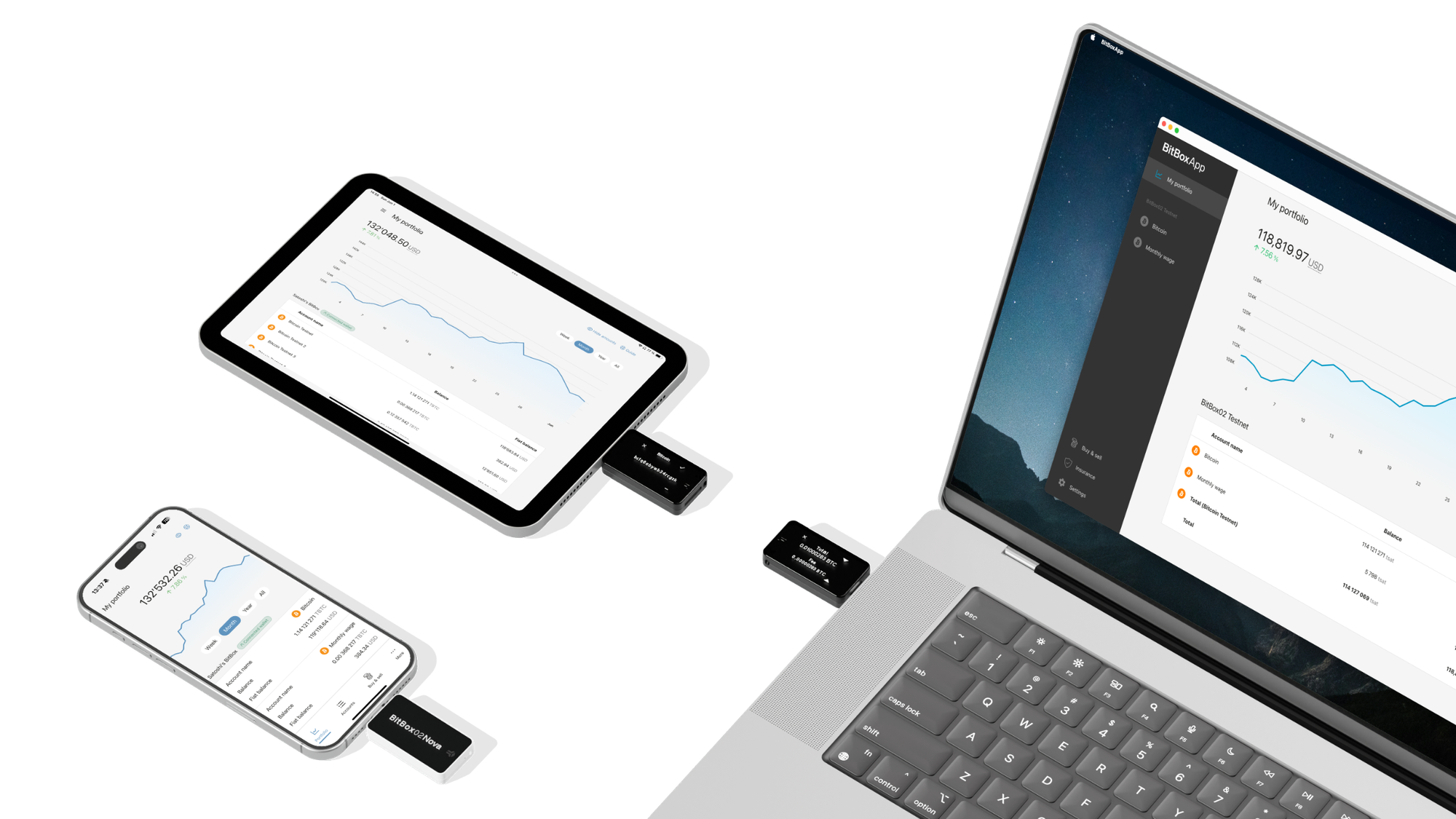
Shift Crypto is a privately-held company based in Zurich, Switzerland. Our team of Bitcoin contributors, crypto experts, and security engineers builds products that enable customers to enjoy a stress-free journey from novice to mastery level of cryptocurrency management. The BitBox02, our second generation hardware wallet, lets users store, protect, and transact Bitcoin and other cryptocurrencies with ease — along with its software companion, the BitBoxApp!