
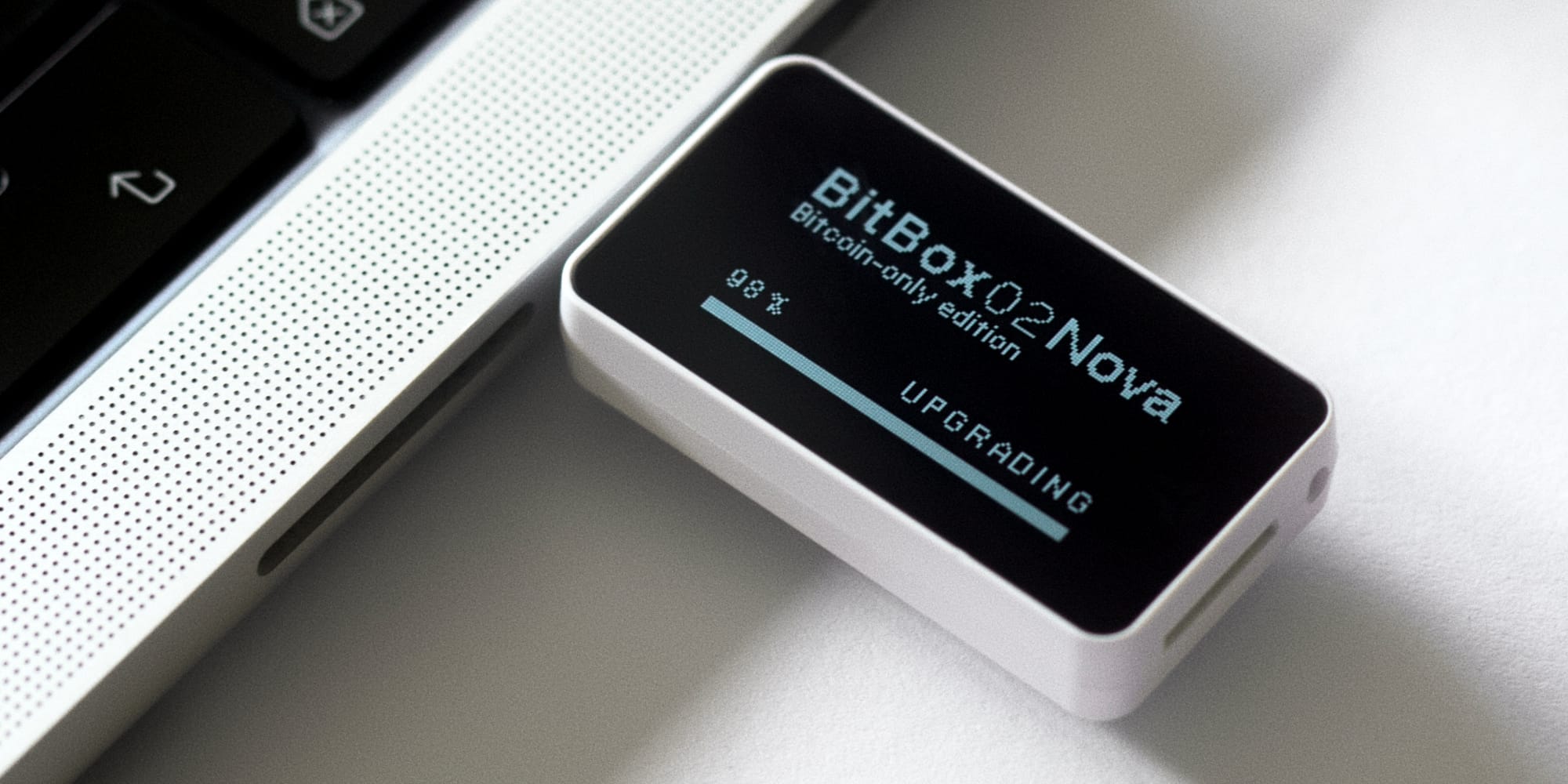
Your hardware wallet does its job quietly. It sits in a drawer, comes out when you need to sign a transaction, and goes back in. That's exactly how it should be. But there's one small habit that deserves a regular spot in your routine: updating your firmware.
With the rise of AI-assisted security research, this habit has become more important than ever. Here's why – and why it's good news, not a reason to worry.
AI is changing how vulnerabilities are found
Security research used to be slow, painstaking work. A researcher would spend weeks or months combing through code, looking for subtle flaws in cryptographic implementations, memory handling, or communication protocols.
That work still happens – and it's still essential. But AI models have massively accelerated parts of it. Modern AI tools can analyze large codebases in hours, flag suspicious patterns, fuzz interfaces at scale, and surface classes of bugs that previously took much longer to uncover. Security teams, independent researchers, and bug bounty hunters are all using these tools today.
The result: more issues are being found, and they're being found faster.
More findings means more fixes – and that's a good thing
At first glance, "AI finds more vulnerabilities" might sound alarming. It shouldn't be. It also gives our team more tools to find bugs. Every issue that a researcher finds and responsibly discloses is an issue that gets fixed before it can be exploited. Open-source projects like ours benefit enormously from this: our code is public, anyone can review it, and our bug bounty program rewards those who report what they find. This isn't just talk: our latest firmware update included fixes for a whole batch of bugs that external researchers as well as internal audits have found with the help of AI tools. The ecosystem works exactly as intended: researchers find, we fix, you update.
But there's a catch, and it's an important one: a fix only protects you once it's installed on your device.
A patched vulnerability that's sitting in a firmware release you haven't installed yet doesn't protect anyone. And because security fixes are typically disclosed publicly after a release, running old firmware means running code with known, documented issues. In the age of AI, where the gap between "vulnerability discovered" and "vulnerability widely understood" keeps shrinking, keeping your firmware up to date is the single most effective thing you can do.
Old firmware ages faster than you think
Think of an old smartphone that hasn't received updates in years. Nobody seriously expects it to still be secure – and rightly so: its unpatched flaws are publicly documented, the tools to exploit them are freely available, and breaking into such a device is trivial today, often barely more than a download away. The hardware didn't get worse; the world around it moved on. The same logic applies to a hardware wallet. A device is only as secure as its most recent update – and with AI compressing the time from discovery to exploitation, "a while ago" ages faster than it used to.
It's also worth remembering that not every finding is dramatic on its own. Many of the issues researchers uncover are minor – quirks and edge cases that pose no immediate danger to anyone. But security flaws rarely stay isolated. Each update you install clears the slate. Each one you skip lets it grow.
Updating is not scary
We get it: plugging in a device that guards your savings and pressing "update" can feel uncomfortable at first. It doesn't need to be. BitBox firmware updates are designed with multiple layers of protection:
- Signed firmware: Your BitBox only accepts firmware that is cryptographically signed by us, the manufacturer. Tampered or unofficial firmware will simply be rejected by the device.
- Your keys stay on the device: A firmware update does not touch your seed. Your wallet and coins are exactly where you left them after the update completes.
- Your backup is your safety net: As long as you have your recovery words backed up safely, a failed update or even a broken device can never cost you your funds.
If you want extra peace of mind, verify your backup before updating – it's a good habit anyway, and your manufacturer will have a guide for it. Here’s ours!
Make it a habit
Our firm recommendation: regularly take out your BitBox, check for updates first – and install them before you transact. Whichever hardware wallet you use:
- Update through official channels only. Use the manufacturer's official app or website. Never install firmware from third-party sources.
- Follow your manufacturer's instructions. Every device has its own update flow. Read the release notes, follow the steps, and don't unplug the device mid-update.
- Verify the version afterwards. After updating, check that the new firmware version is displayed correctly.
- Subscribe to official announcements. Release notes and newsletters tell you exactly what was fixed and why the update matters.
How to update your BitBox
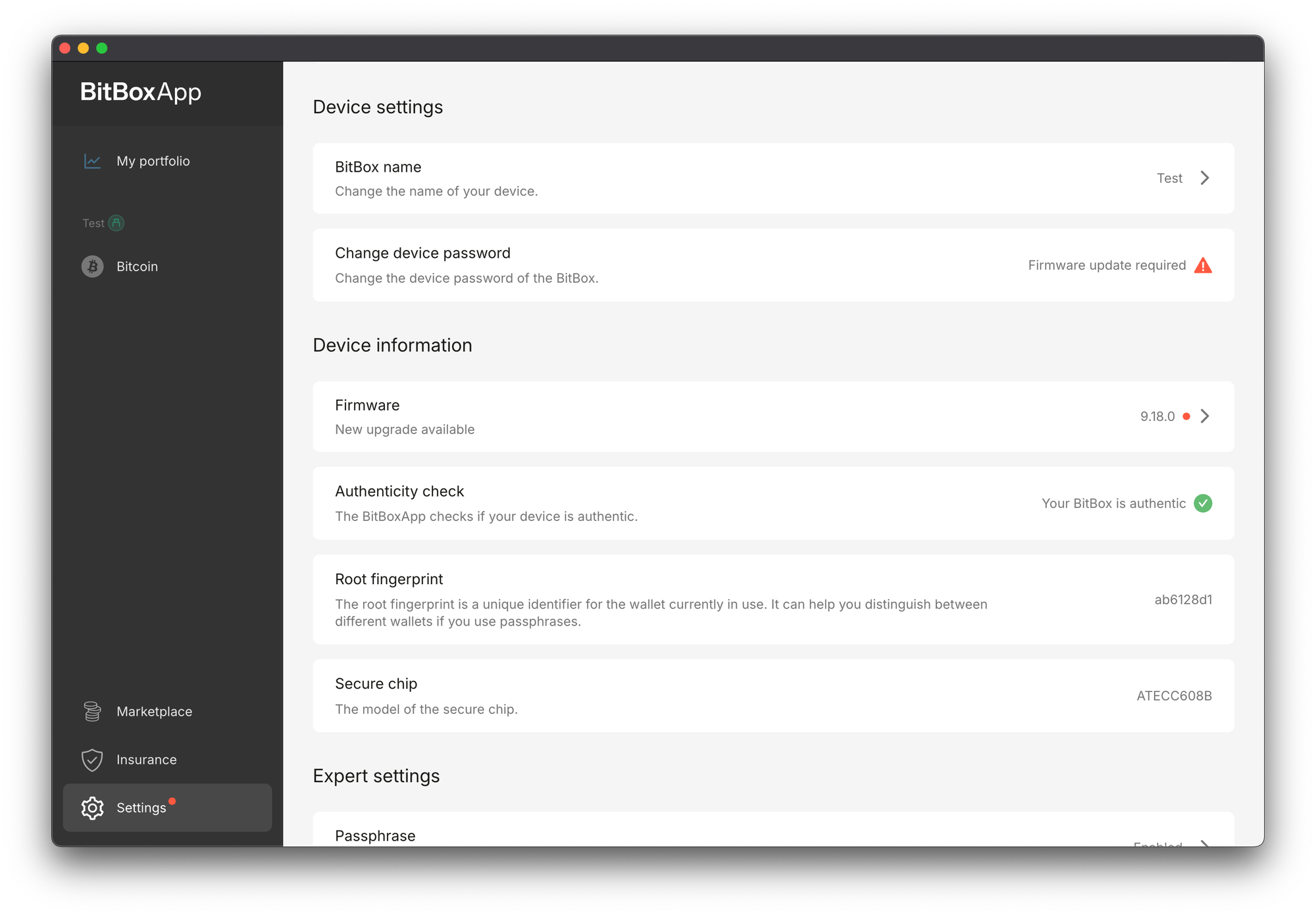
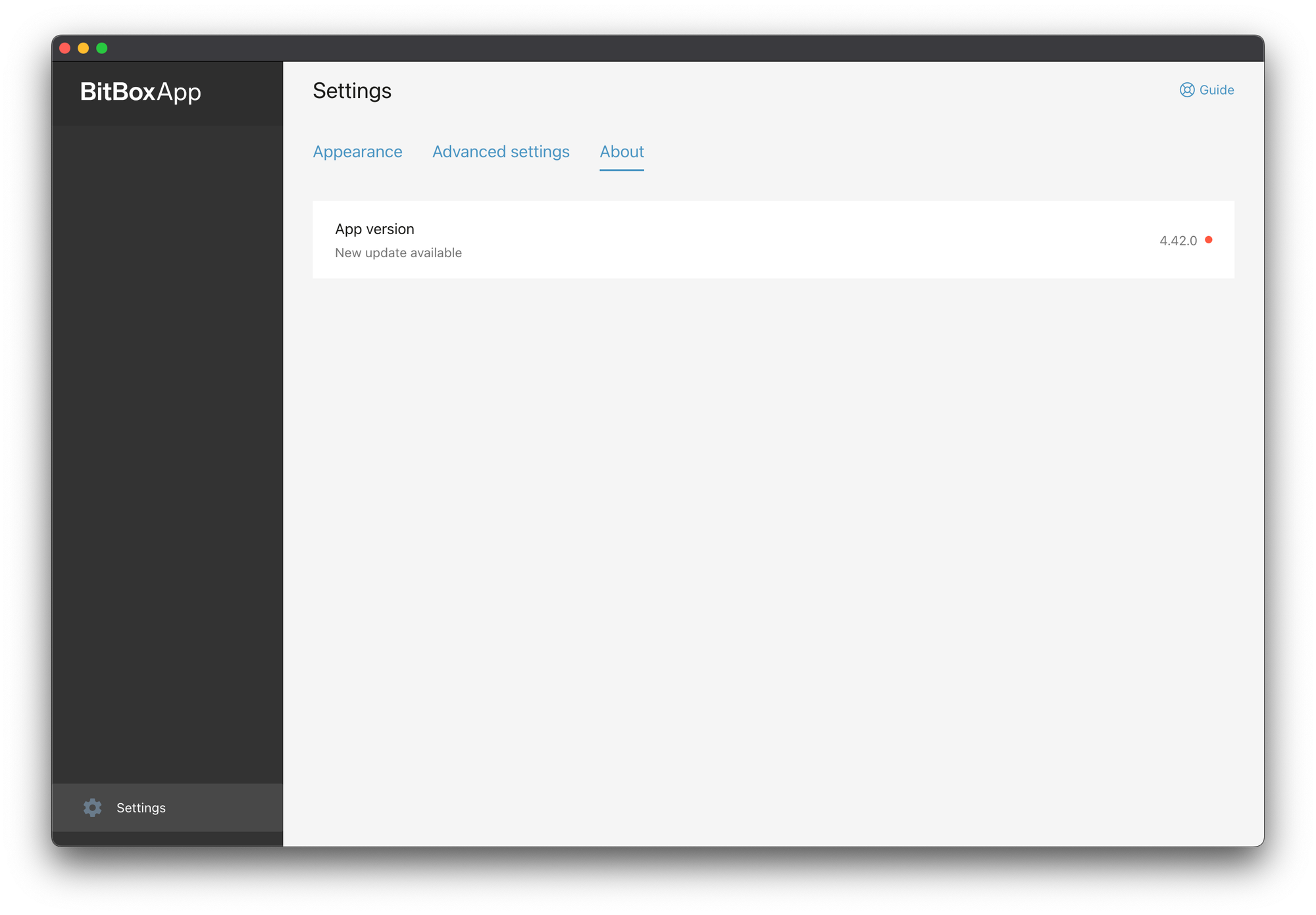
For BitBox users, it's simple: you don't even need to check manually. Whenever a new update is released, the BitBoxApp automatically notifies you with an in-app banner. The latest firmware comes bundled with the latest app itself – just head to Settings > Manage device > Firmware (or follow the red dot), confirm on your device, and you're done in a couple of minutes. A red dot on the settings icon will indicate that a firmware update is available.
A word of caution: beware of phishing
As always, be extra mindful of phishing attempts that abuse security topics to create fear and urgency. No legitimate manufacturer will ever ask for your recovery words – not in an app, not by email, not on a website. Your recovery words belong on paper (or steel) and, if ever needed, entered directly on your hardware wallet only.
The bottom line
AI has made the security world faster – for defenders and attackers alike. The defenders are winning when fixes ship quickly and get installed quickly. The first part is our job. The second part is yours, and it only takes a few minutes.
So here's your friendly, firm nudge: if you have a hardware wallet, update its firmware today. Then keep doing it whenever you use your device.
Keeping your coins secure doesn't have to be hard.
Want to check out the most recent BitBox update? Check out the Releases on our blog.
Don’t own a BitBox yet?
Keeping your crypto secure doesn't have to be hard. The BitBox hardware wallets store the private keys for your cryptocurrencies offline. So you can manage your coins safely.
Both the BitBox02 Nova and the BitBox02 also come in a Bitcoin-only edition, featuring a radically focused firmware: less code means less attack surface, which further improves your security when only storing bitcoin.
Buy the BitBox02 Nova or grab a BitBox02 in our shop!
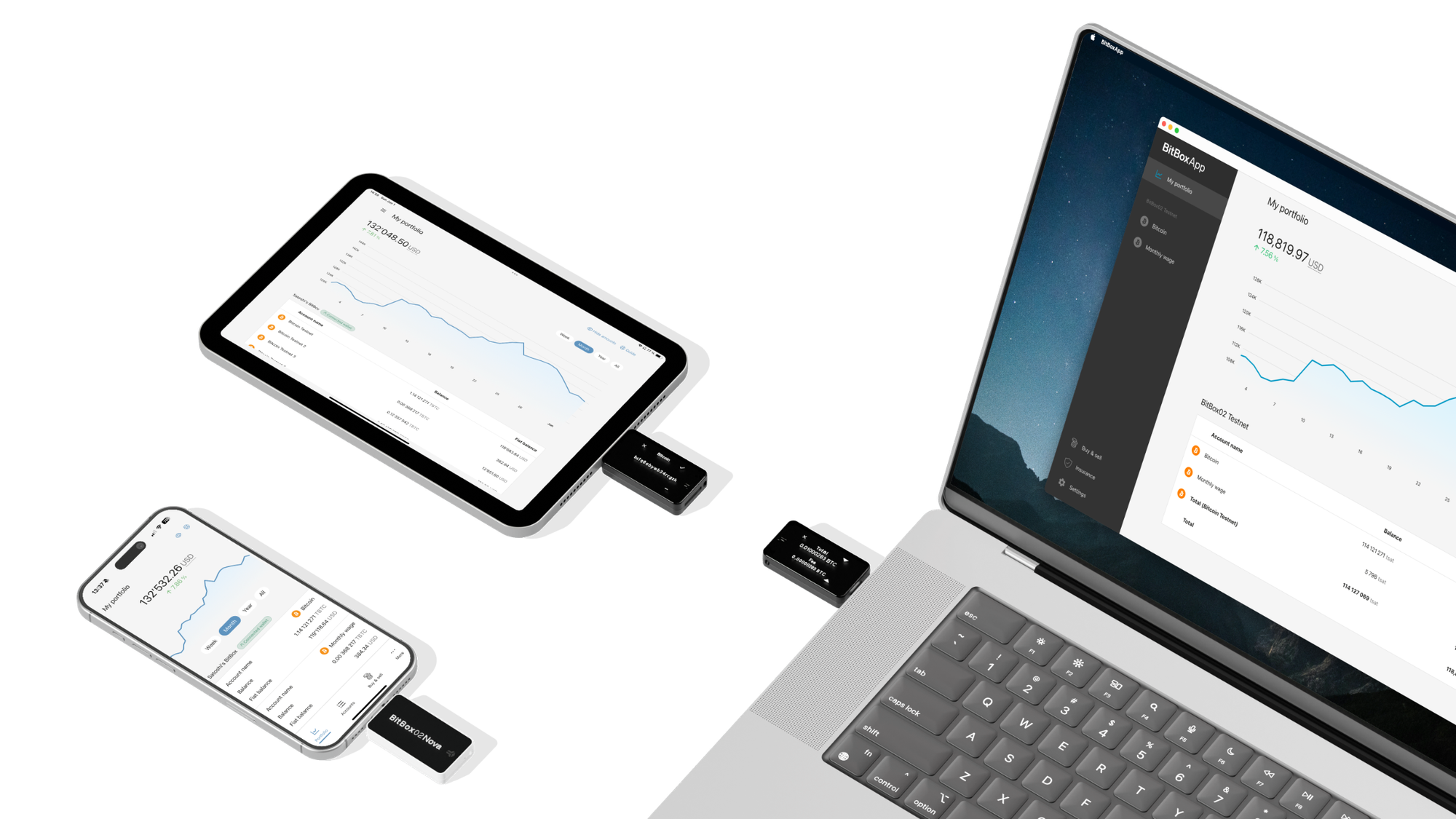
Shift Crypto is a privately-held company based in Zurich, Switzerland. Our team of Bitcoin contributors, crypto experts, and security engineers builds products that enable customers to enjoy a stress-free journey from novice to mastery level of cryptocurrency management. The BitBox02, our second generation hardware wallet, lets users store, protect, and transact Bitcoin and other cryptocurrencies with ease — along with its software companion, the BitBoxApp!