
Swapping one cryptocurrency for another usually means having to use a centralized exchange: sign up, send funds to a deposit address, wait for them to arrive, place an order and finally withdraw the new asset to your wallet again. It works, but it also means temporarily giving up control of your funds and carefully handling several transactions and addresses, as well as annoying address verifications.
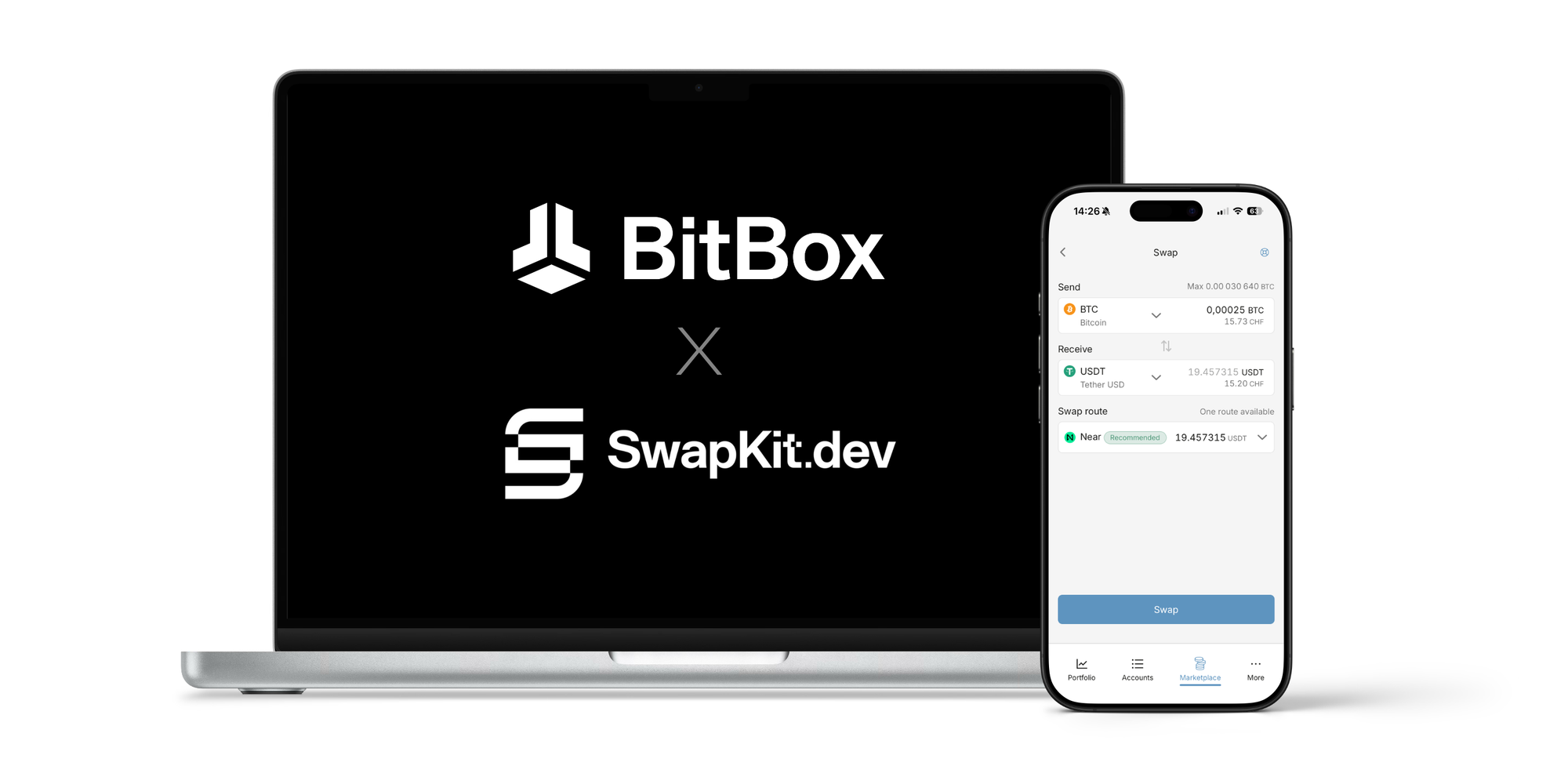
The swap feature introduced with the Geneva update offers a more direct alternative. You can swap supported assets from one of your accounts to another inside the BitBoxApp, confirm the transaction on your BitBox and receive it directly in your own wallet. There are no separate transactions needed and no balance is left behind on an exchange.
Private and non-custodial
Swaps in the BitBoxApp are enabled by SwapKit, an aggregator that finds routes through decentralized, non-custodial swap providers. Instead of first depositing funds with a centralized exchange, you send them directly into the selected swap route. Currently, the BitBoxApp supports the swap provider “Near”, but we are working on adding more providers in the future.
This means you do not need to create an exchange account or complete a regular identity verification (KYC) process. You never hand over control, and neither BitBox nor SwapKit hold an account balance on your behalf. There are also no personal deposit or withdrawal limits. Practical limits can still depend on the selected assets, available liquidity, region and provider.
Of course, non-custodial and no KYC do not automatically mean you are “invisible”. The transactions remain visible on the corresponding public blockchain, and the swap is performed by external protocols connected through SwapKit. The BitBoxApp itself does not collect personal data as part of the swap.
One swap instead of three separate steps
With a centralized exchange, changing one asset into another usually involves at least a deposit and a withdrawal, with the actual buy or sell order in between. During that time, the exchange controls the funds and must process the withdrawal correctly.
A swap removes that intermediate exchange balance. You approve one outgoing transaction and the selected route handles the conversion and payout to your receiving account. This reduces the number of manual steps and avoids the period in which your funds sit in the custody of an exchange.
These swaps are often referred to as atomic swaps because the intended result is always a complete, finished exchange. In other words: It either happens, or it doesn’t. Strictly speaking, SwapKit can use several different protocols, each with its own execution and refund logic. If a route cannot be completed, the relevant provider's refund process applies. Note that cross-chain swaps also require blockchain confirmations, so their speed depends on the networks and route involved.
The case for Bitcoiners
At first glance, swapping may sound relevant only to people who actively manage many different cryptocurrencies. But it can also be useful for someone whose long-term goal is simply to hold bitcoin.
For example, a family member abroad may find it easiest to send you 100 USD in a stablecoin such as Tether USDT. Instead of opening an exchange account and moving the funds through it, you can swap the received amount directly into bitcoin from within the BitBoxApp. The same applies to an old balance you no longer want to keep: a direct swap can provide a straightforward path back to bitcoin without turning the process into an adventure.
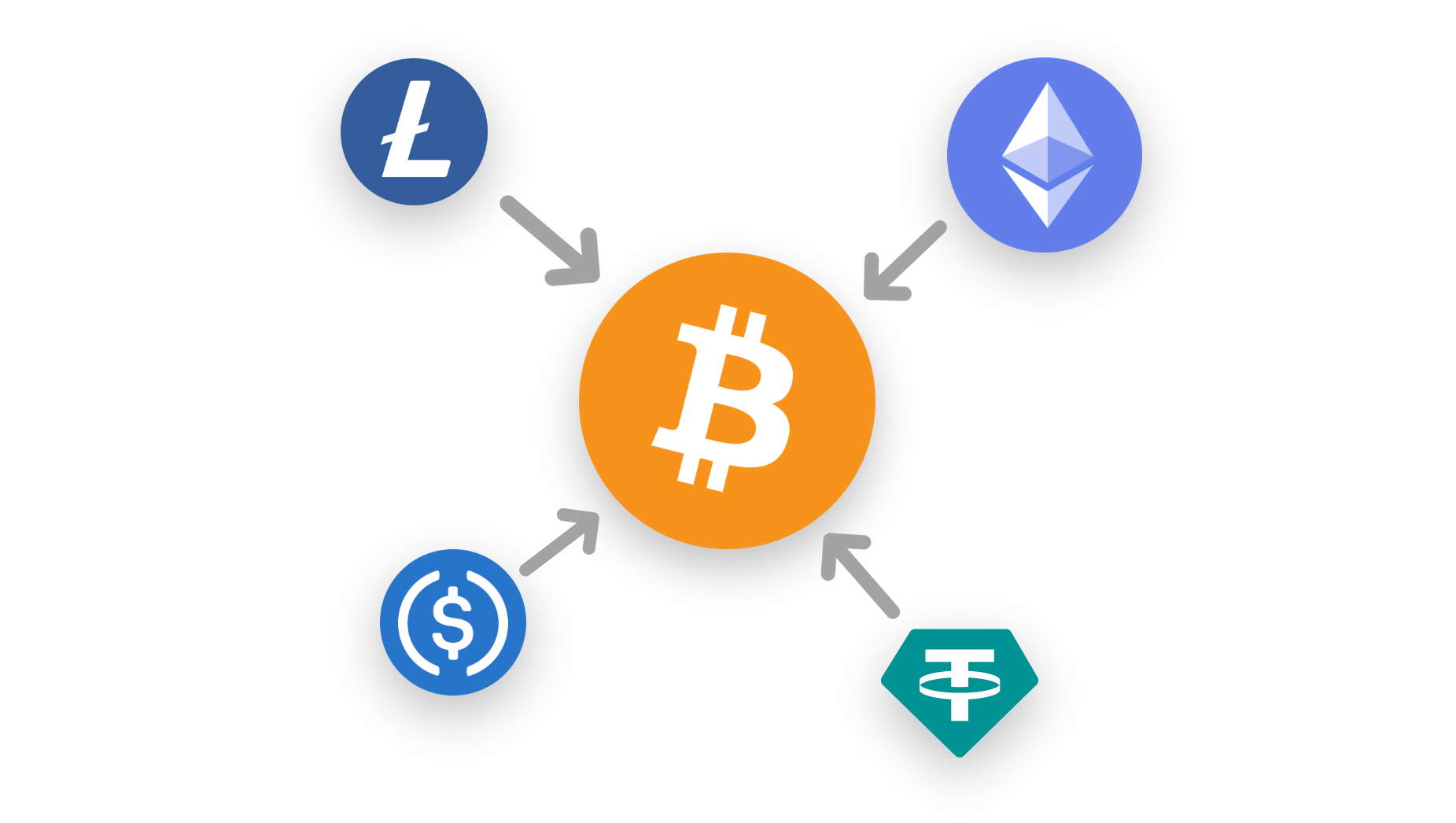
The point is to make the occasional conversion into bitcoin simpler while keeping custody and on-device verification at the center of the process.
How swapping works in the BitBoxApp
The swap section is available inside the Marketplace in the BitBoxApp:
- Open Marketplace, select Swap and choose SwapKit.
- Select the account and asset you want to send, and enter an amount.Tip: You can rotate the send and receive asset by clicking on the arrows between them.
- Choose the asset and account you want to receive into.
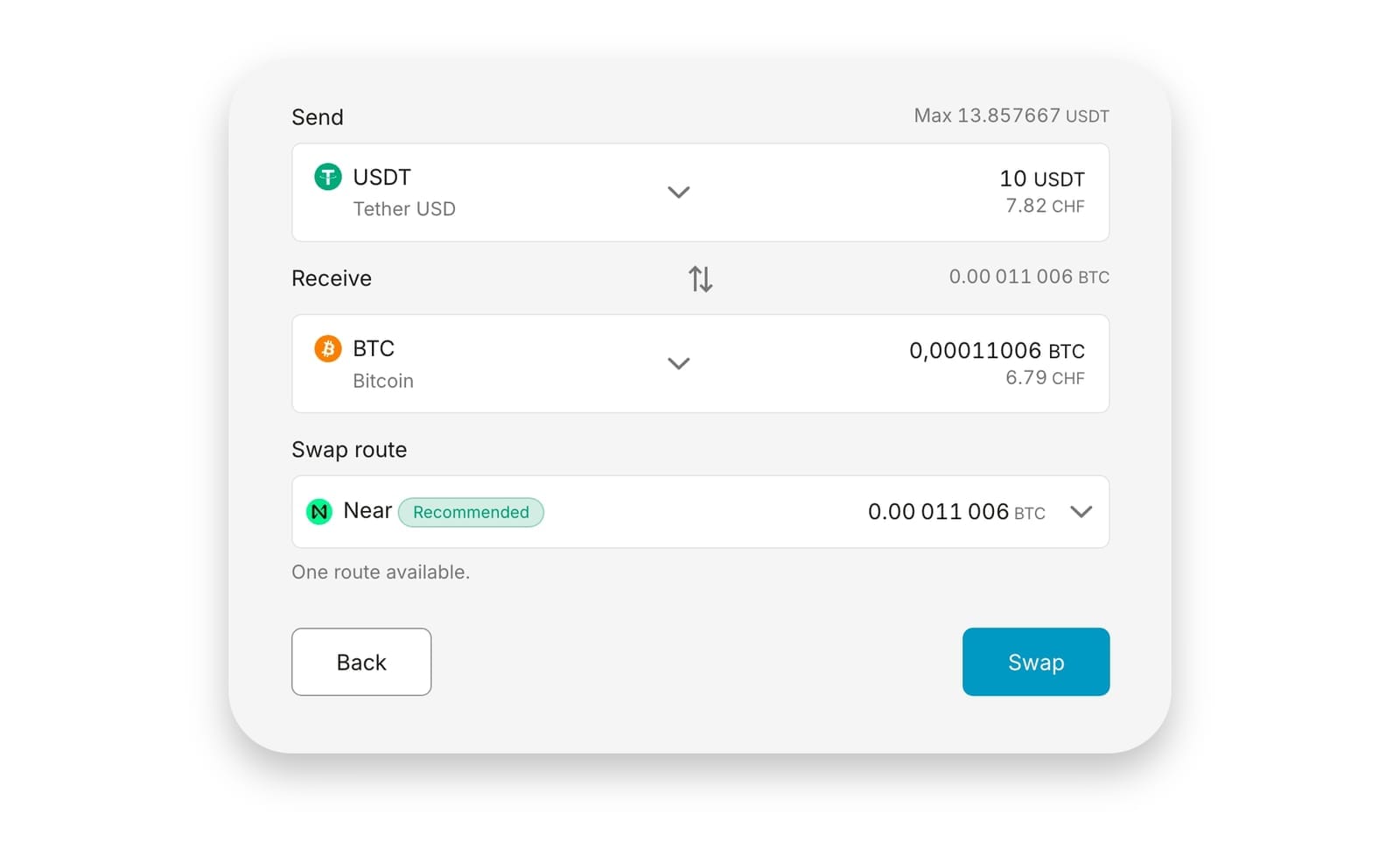
- Review the estimated receive amount and selected route.
- Select Swap, verify the transaction on your BitBox and confirm it on the device.
If you need help, check out our support article on the topic.
The BitBoxApp automatically looks for an available route and shows an estimate before you continue. The final receive amount can differ because market prices and liquidity may change while the swap is being processed. This difference is known as slippage.
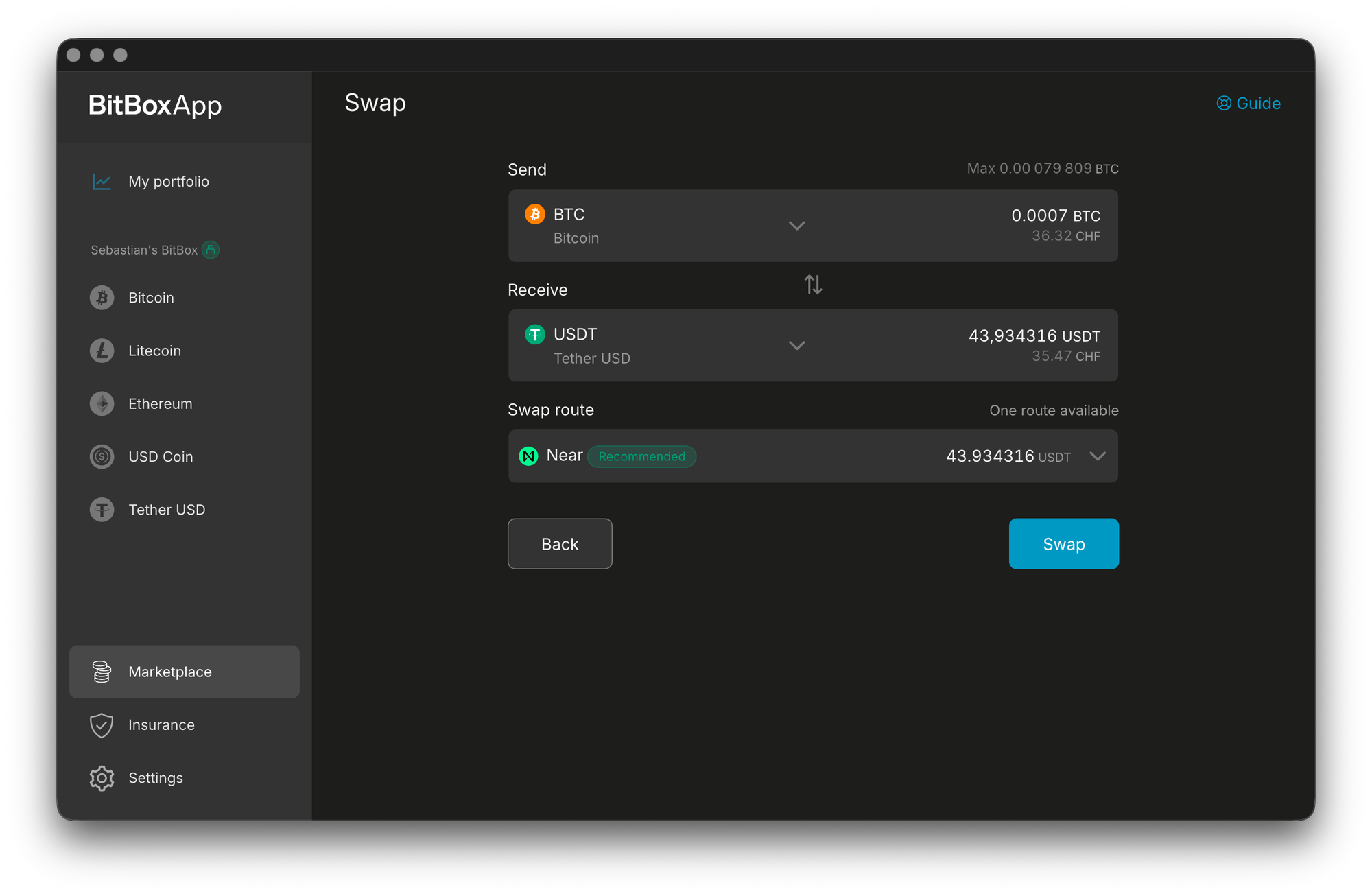
At the time of writing, a flat fee of 1.5% applies to each swap. Network fees and provider-related costs may apply in addition and are shown during the swap flow. Note that if you send an ERC20 token such as Tether on Ethereum, you also need enough Ether (ETH) in the sending account to pay for the network fee.
Available assets and routes depend on your active accounts, your BitBox edition and the providers currently available through SwapKit. Naturally, swaps are not available for the Bitcoin-only edition.
Secure swap requests
Keeping the swap inside the BitBoxApp makes the process more convenient, but convenience should never replace verification. Before confirming, you have to check the transaction on the secure display of your BitBox – just as you would with any other outgoing payment.
The swap integration in the BitBoxApp also uses signed payment requests, similar to how we made selling with Pocket more secure. This allows the BitBox to verify that the request is authentic and display “SwapKit” together with the provider as the destination. This reduces the risk of malware on your laptop or smartphone silently replacing the destination with an attacker's address.
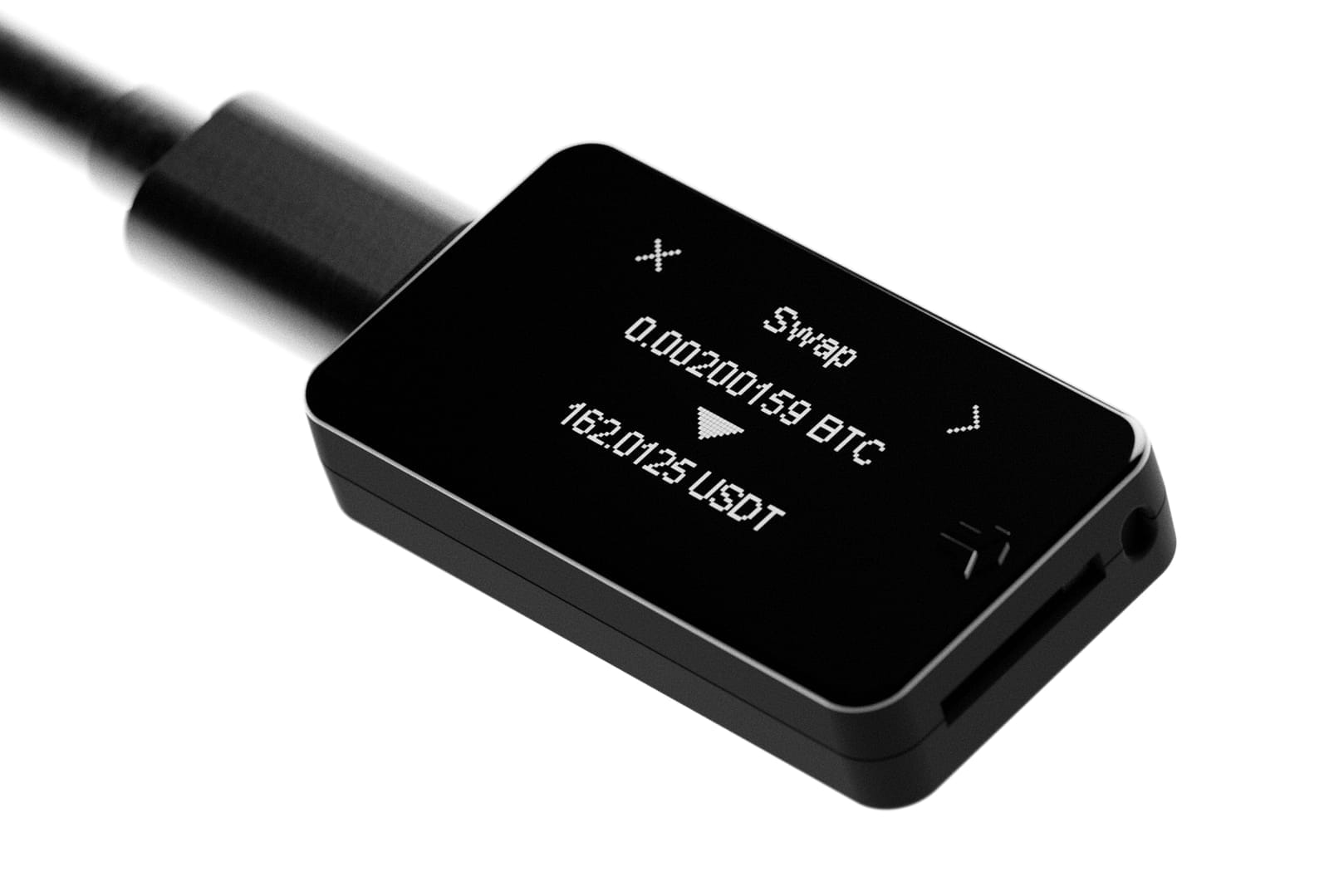
Always carefully review the quote, fees and route before confirming a swap transaction, as it cannot be cancelled afterwards.
Tax treatment
Another aspect worth mentioning is everyone’s favorite topic: taxes. Whether a swap is a taxable event depends on where you live and on your individual circumstances. In some countries, exchanging one cryptocurrency for another may be treated differently from selling it for government-issued currency.
Austria is one example. Under current Austrian tax laws, swapping one cryptocurrency for another generally does not count as a taxable sale. Stablecoins such as Tether can fall under that definition as well. Depending on the circumstances, this may allow an Austrian taxpayer to change their exposure to Bitcoin's price by temporarily swapping into a stablecoin without triggering the same immediate tax treatment as a sale for euros.
Be mindful that like all tax laws, this can change in the future and that this is of course a general example, not tax or investment advice.
Conclusion
Swapping directly in the BitBoxApp removes much of the friction of using a centralized exchange for a simple conversion. There is no separate account to fund, no intermediate exchange balance and no withdrawal address to manage afterwards. You choose a route, review the quote and confirm the transaction on your BitBox. Simple, quick and secure.
For occasional conversions, and even for Bitcoiners who want to turn other assets into their favorite coin, it offers a practical way to stay in control from start to finish.
Don’t own a BitBox yet?
Keeping your crypto secure doesn't have to be hard. The BitBox hardware wallets store the private keys for your cryptocurrencies offline. So you can manage your coins safely.
Both the BitBox02 Nova and the BitBox02 also come in a Bitcoin-only edition, featuring a radically focused firmware: less code means less attack surface, which further improves your security when only storing bitcoin.
Buy the BitBox02 Nova or grab a BitBox02 in our shop!
Shift Crypto is a privately-held company based in Zurich, Switzerland. Our team of Bitcoin contributors, crypto experts, and security engineers builds products that enable customers to enjoy a stress-free journey from novice to mastery level of cryptocurrency management. The BitBox02, our second generation hardware wallet, lets users store, protect, and transact Bitcoin and other cryptocurrencies with ease — along with its software companion, the BitBoxApp!