
Get the latest BitBoxApp here: bitbox.swiss/download
Lightning hits the BitBoxApp
We are excited to bring Lightning to the mobile BitBoxApp as a public beta, available to all BitBox users.
You can create a Lightning wallet, send and receive payments, and move funds back to cold storage, all within the same app. The integration uses the Breez SDK with Spark to enable fast, low-cost Lightning payments without having to run a node or manually manage payment channels and liquidity.
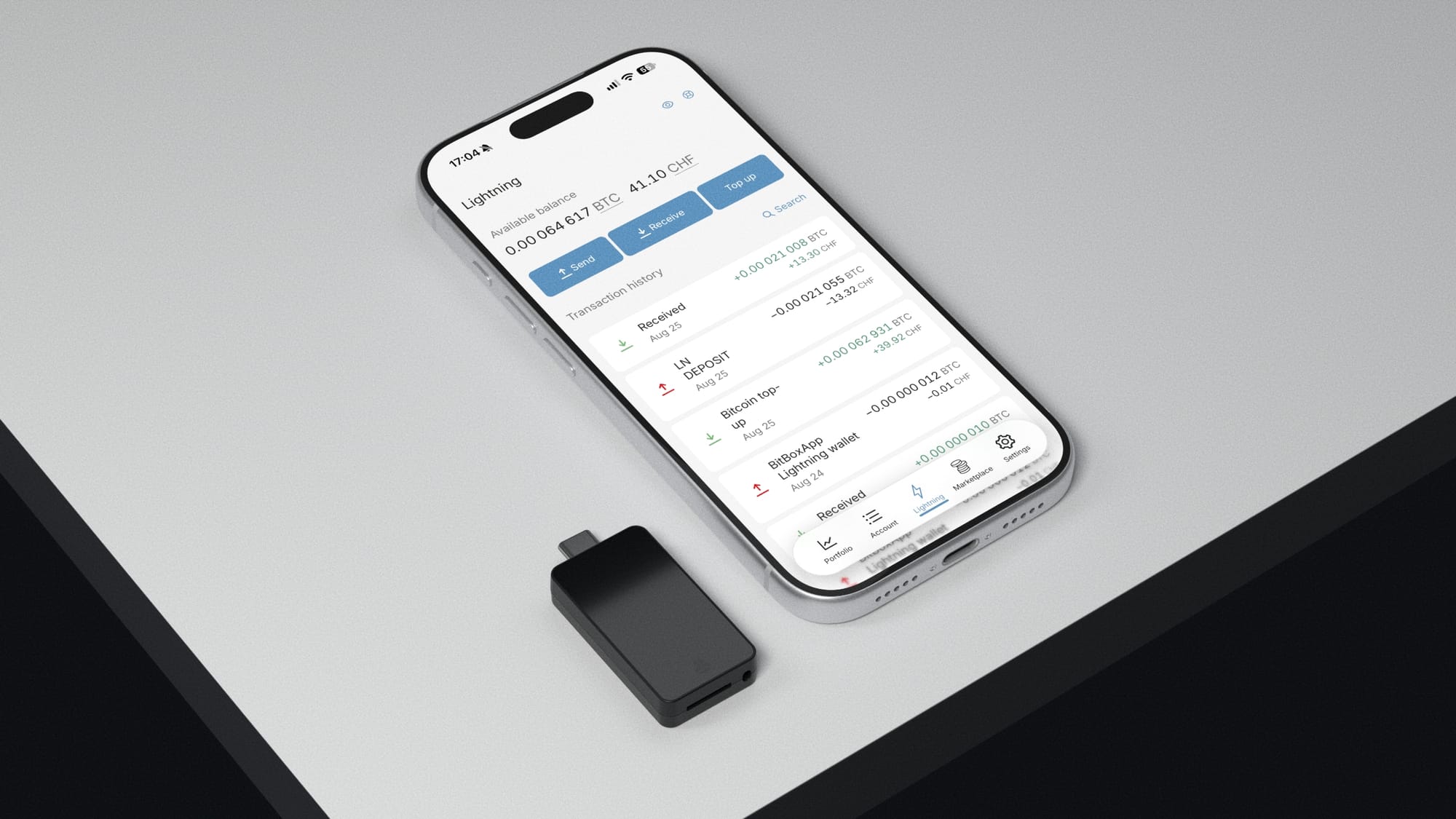
To enable Lightning, navigate to Advanced settings > Lightning wallet and follow the on-screen instructions. Once enabled, you can access your Lightning wallet through the new redesigned bottom navigation menu, or by clicking the Lightning account in the Portfolio overview.
Check out the guides in our Support Hub if you need help getting started with Lightning.
One backup, two wallets
Hardware wallets generally do not work well together with Lightning: You would have to constantly plug in your BitBox to send and receive payments – which no one wants to do while standing in line at a coffee shop.
But that does not mean that they can’t work together. Using the existing wallet backup you already use, the BitBox securely derives a seed from it, which is then used in the BitBoxApp for the Lightning hot wallet.
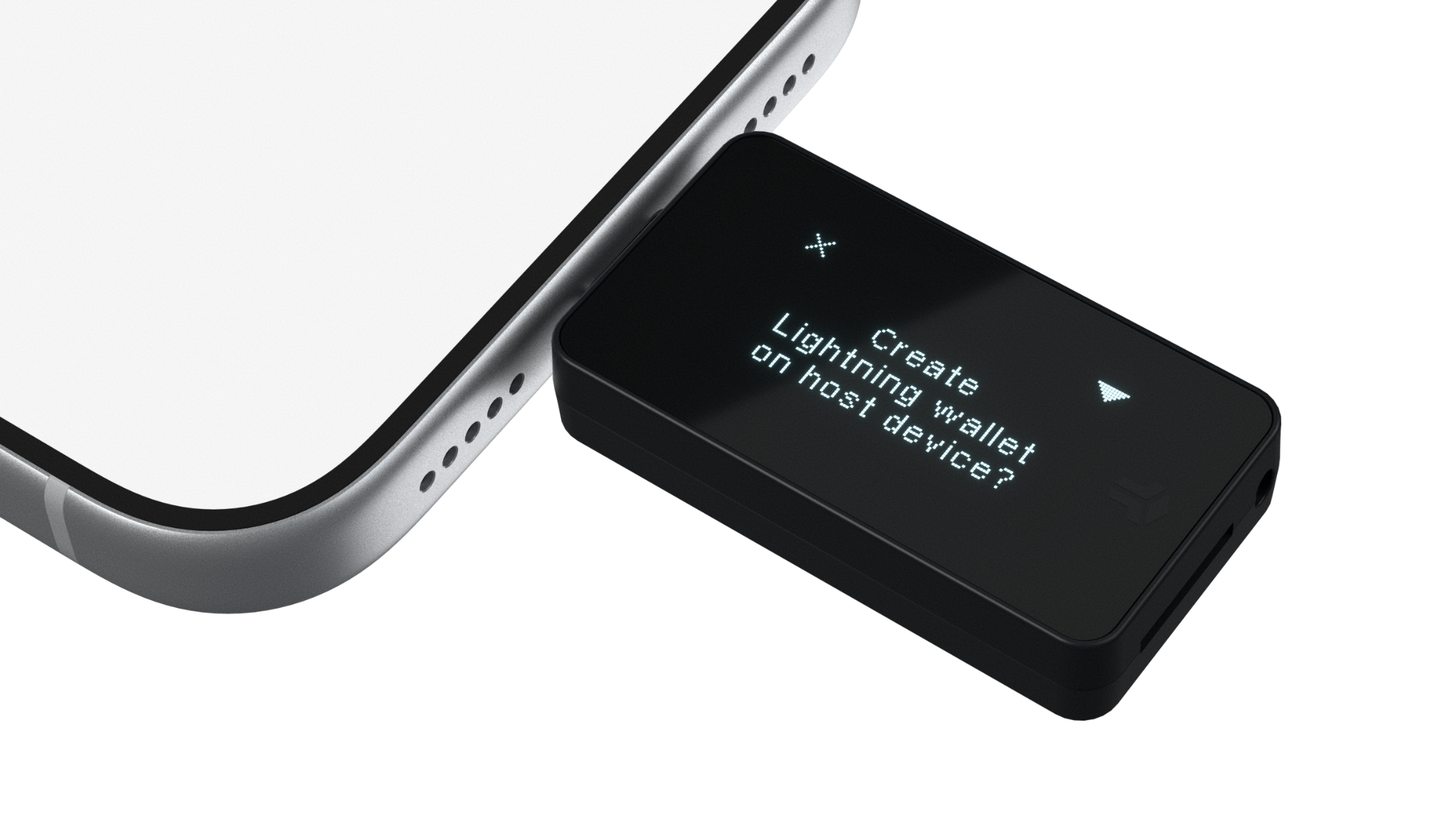
This means there is no need to write down and take care of a new backup. Your BitBox can always restore the Lightning wallet in the BitBoxApp. This is made possible by using BIP-85 child keys and you can find out more details about how this derivation works in our article on the topic.
 Sebastian
Your own Lightning address
Receiving payments is easier with a reusable Lightning address. It looks similar to an email address and uses LNURL-Pay to request a fresh invoice whenever someone wants to pay you. You can even claim your own name in the Lightning wallet settings, subject to availability, and share the address with friends to receive payments from compatible wallets.
Note that you can only change your Lightning address once every 24 hours. Names you previously used will stay reserved for you, but will not continue to work.
Learn more
Bringing Lightning to the BitBoxApp is a big step for us, and we’re very excited to share more details with you. Check out our dedicated article on how the Lightning integration works!
BitBox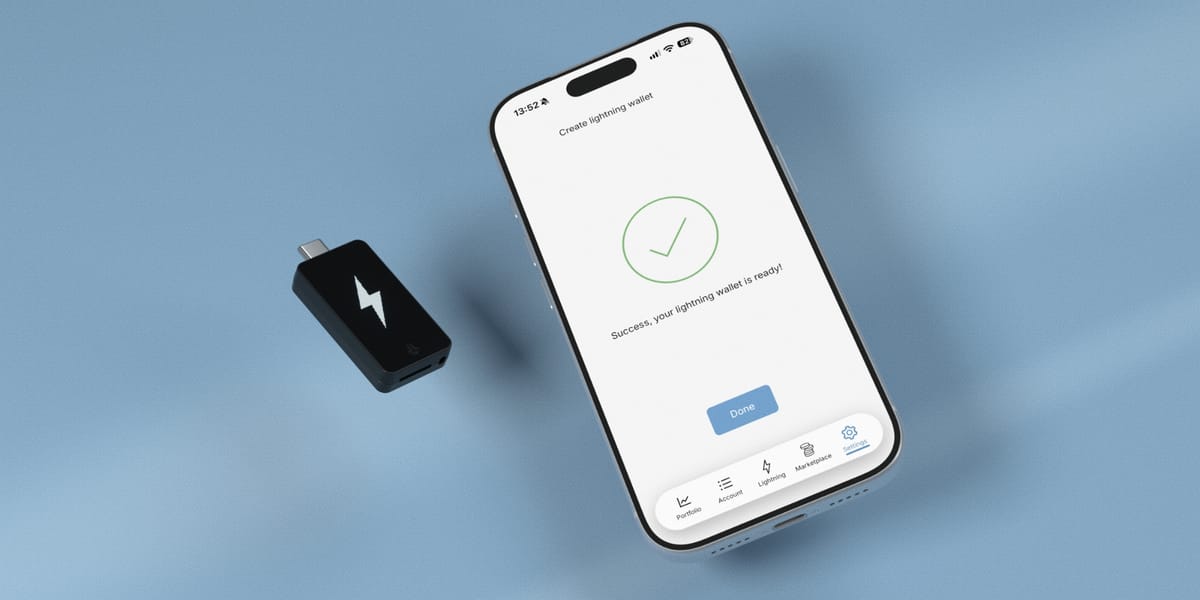
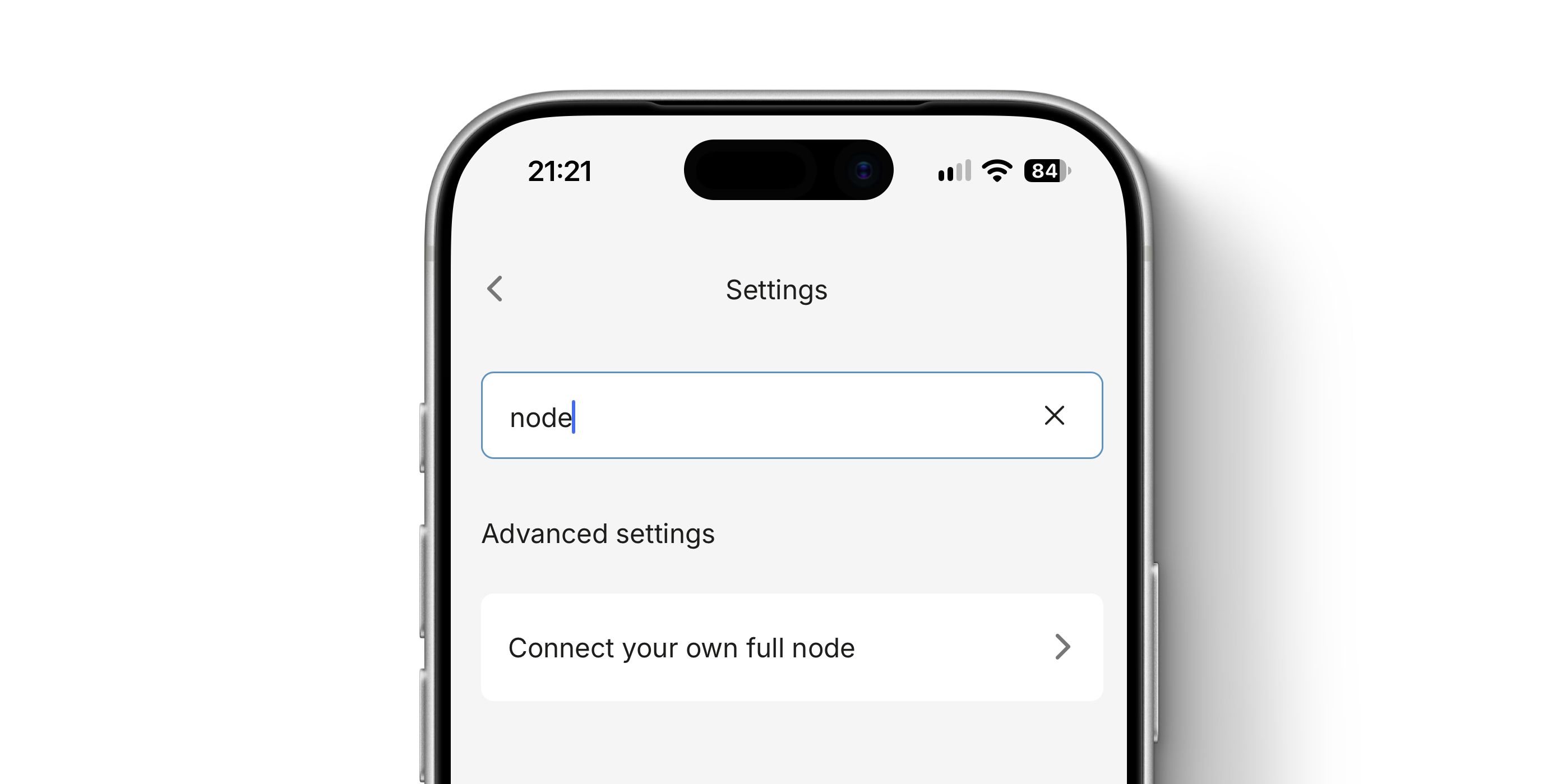
Settings search
Looking for that one setting, but you can’t remember where it was exactly? Not a problem, because you can now simply search for them using the search bar at the top of each page in settings. Search results update as you type, and to go to the desired setting you simply have to tap on them.
Redesigned menu bar
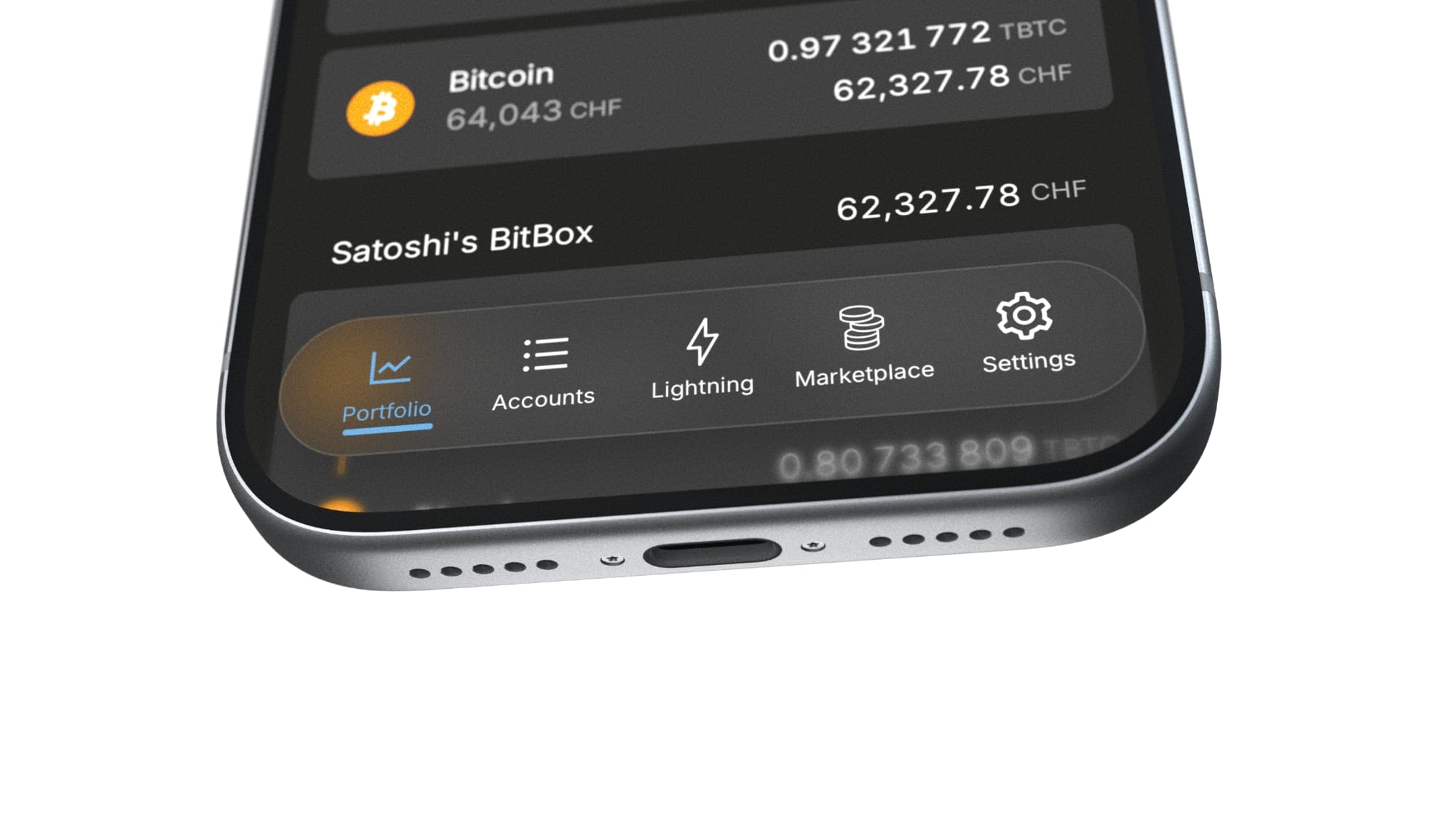
With this release we also reworked the navigation menu on iOS and Android from the ground up, using a more modern and translucent design. It also gives you direct access to the settings now – and to the new Lightning wallet, if you enabled it.
Miscellaneous improvements
The Meggen update also comes with several other improvements and bug fixes:
- Redesigned the QR code scanner.
- Added support for the macOS number formatting system.
- Added a warning about potential security risks when restoring from an external wallet.
- Added an option in advanced settings to clear the local cache, which can help with troubleshooting in customer support.
- Added the option to navigate to "Used addresses" in the sign-message workflow.
- Moved the Insurance menu inside the Marketplace. Settings are now directly accessible through the bottom navigation menu.
- Improved the macOS app icon to adjust to clear, dark and tinted system settings.
- Fixed an issue where BTC balances were displayed incorrectly due to slightly differing exchange rates.
- The app now enforces anti-klepto capable firmware versions.
- Added an option to upgrade the BitBox firmware before creating or restoring a wallet, if a new version is available.
- Enabled Tether USDT for buying and selling with BTC Direct.
- Zero BTC amounts are now displayed without decimal points.
Photo of Lake Lucerne, taken from the shores of Meggen by Stefan Bütikofer
Don’t own a BitBox yet?
Keeping your crypto secure doesn't have to be hard. The BitBox hardware wallets store the private keys for your cryptocurrencies offline. So you can manage your coins safely.
Both the BitBox02 Nova and the BitBox02 also come in a Bitcoin-only edition, featuring a radically focused firmware: less code means less attack surface, which further improves your security when only storing bitcoin.
Buy the BitBox02 Nova or grab a BitBox02 in our shop!
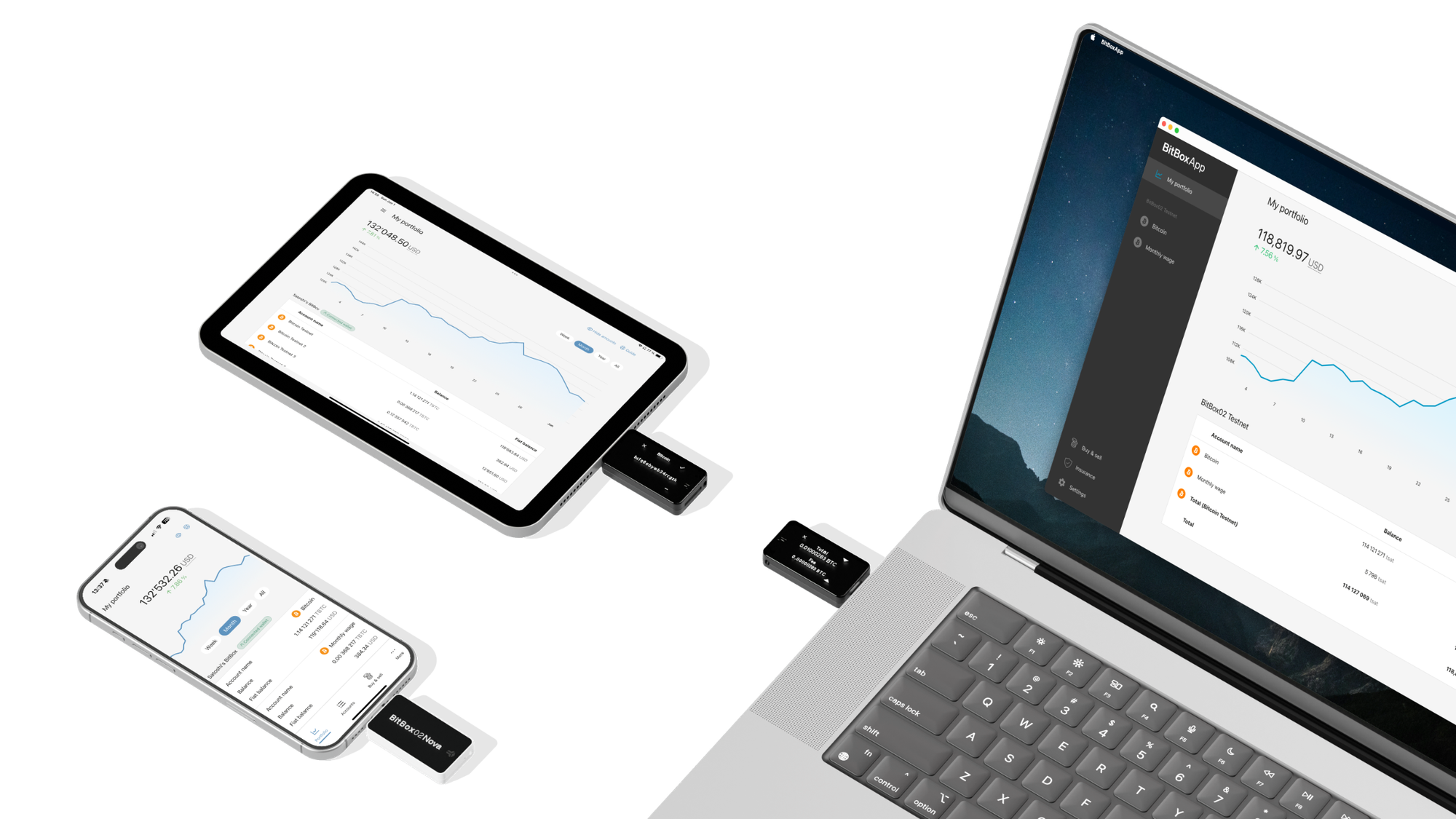
Shift Crypto is a privately-held company based in Zurich, Switzerland. Our team of Bitcoin contributors, crypto experts, and security engineers builds products that enable customers to enjoy a stress-free journey from novice to mastery level of cryptocurrency management. The BitBox02, our second generation hardware wallet, lets users store, protect, and transact Bitcoin and other cryptocurrencies with ease — along with its software companion, the BitBoxApp!