
Setting up a hardware wallet is a special moment. For many people, it’s the first step into true self-custody – the point where “not your keys, not your coins” finally becomes a reality. And yet, this very moment is often accompanied by stress, hesitation, and sometimes even fear.
Most hardware wallets begin the setup process the same way: shortly after unboxing, users are instructed to carefully write down the recovery words for their wallet. They are warned not to make mistakes, not to take photos, not to speak out loud, and reminded that losing these words means losing access to their bitcoin forever. While all of this is technically correct and important information, the way this backup step presents itself can create psychological pressure – especially for beginners.
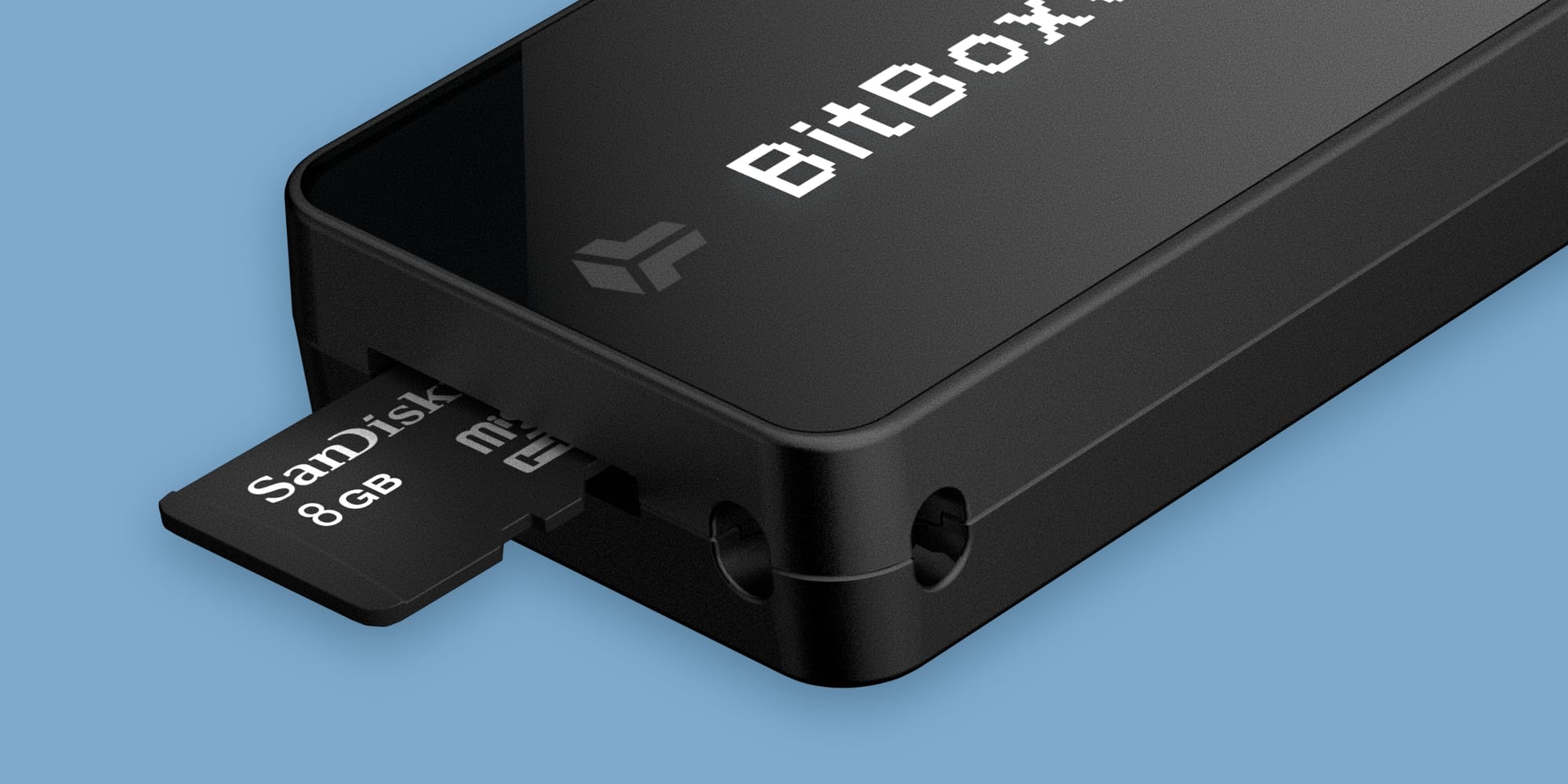
The BitBox deliberately chooses a different approach. Instead of asking you to manually write down your recovery words during the first minutes of setup, the BitBox creates a secure backup automatically on the included microSD card. It only takes a few seconds, ensures the backup is valid and still gives you the option for a manual backup at a later stage.
Let’s take a closer look at the benefits of this approach.
The fear of setup
If you talk to people who are new to Bitcoin self-custody, a recurring theme appears: they are afraid of doing something wrong.
This dynamic often leads to procrastination. We regularly hear from users who kept their first hardware wallet in the box for weeks because they didn’t feel ready to “get it right.” Others are anxious about spelling errors, misreading a word, mixing up the order, or writing something down illegibly.
Of course, recovery words are essential. They are the master secret of your wallet. But the way they are introduced matters. If the very first experience of self-custody is anxiety-inducing, that’s not just a problem for the user experience, but for security in general as well, as people may keep their bitcoin on an exchange for longer than needed.
Self-custody should be encouraging – not paralyze you before you even begin.
MicroSD card backups
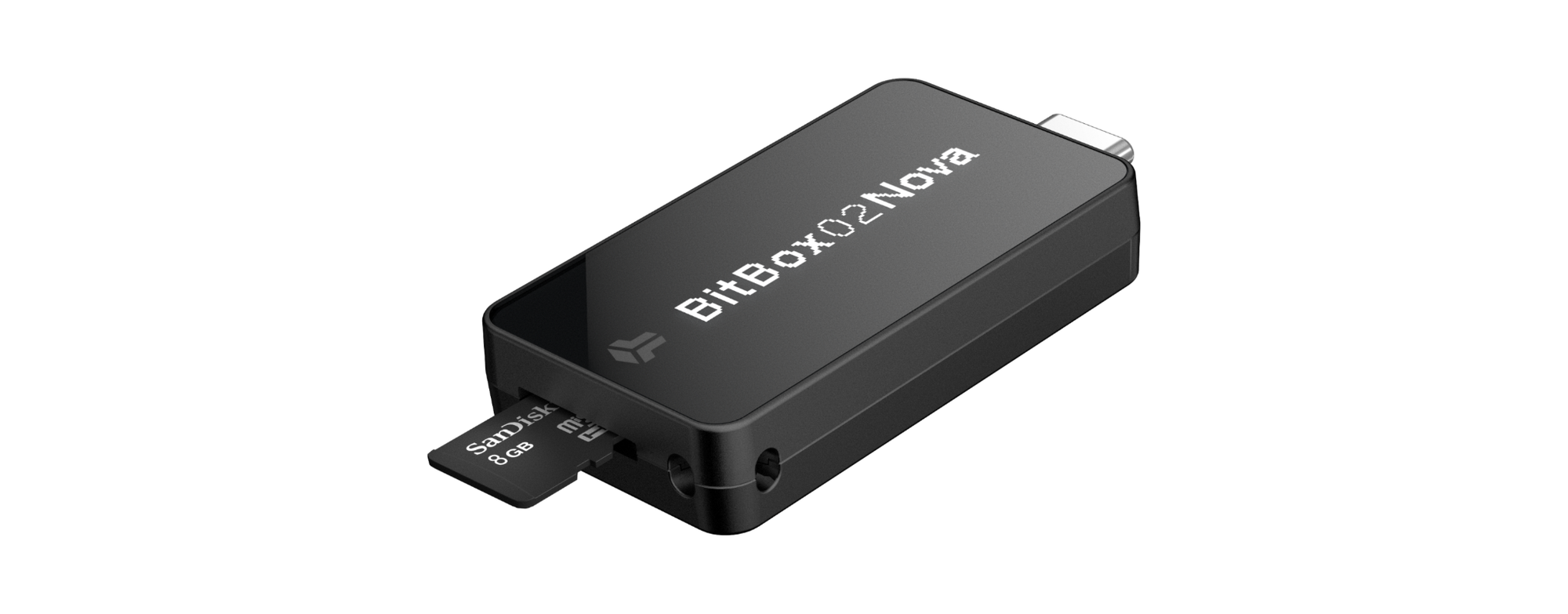
During the setup of a BitBox, you simply have to insert the included microSD card and the backup is created automatically. You can think of it as writing down the 12 or 24 recovery words “on the microSD card”. The recovery words still exist and they are still the foundation of your wallet. The difference lies purely in how those recovery words are stored, which comes with several key advantages.
Lightning quick
The microSD backup is created in a split second and the entire setup process just takes a few minutes. There is no interruption where you have to stop, find a pen, double-check spelling, and carefully number each word. The process remains smooth and focused. Most importantly, this is not a security compromise, as the user still has a valid backup for their wallet right from the start – just on a different storage medium.
Free of errors
Humans make mistakes. That’s not a criticism – it’s reality. When manually writing down 24 English words, errors can occur. A word might be misread. Two words might be swapped. Handwriting might be unclear years later when the backup is needed. While most hardware wallets, including the BitBox, have steps in place to verify a manual wallet backup after writing it down, even small ambiguities can make recovery unnecessarily hard in the future.
By creating the backup directly on the microSD card, the BitBox eliminates this entire class of mistakes during setup. Of course, this does not remove responsibility from the user. After the backup has been created, the microSD card must be treated just like a regular backup on paper, as it grants access to your wallet – just like the regular recovery words would.
Industry standard
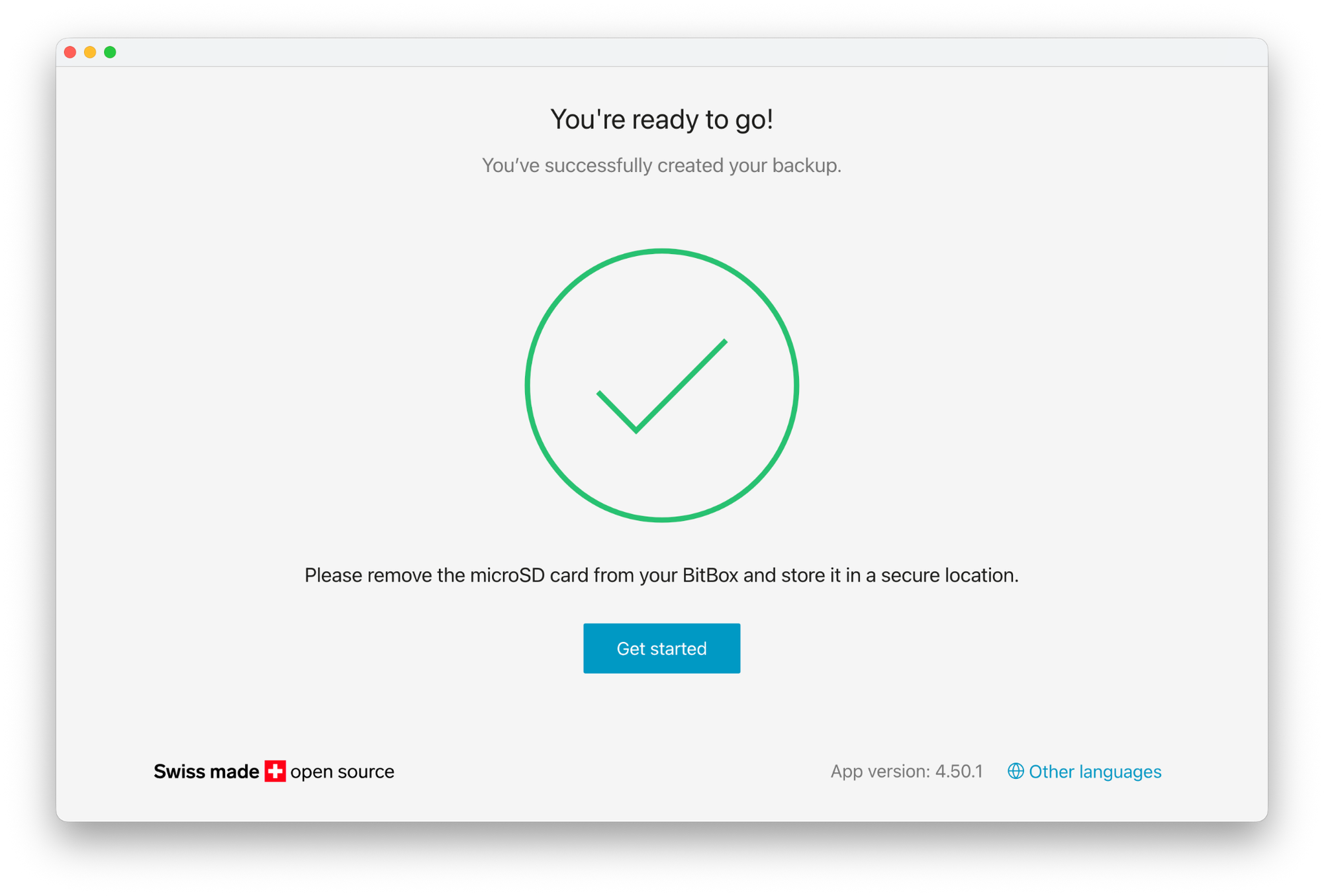
The microSD backup is not a closed ecosystem. It stores the recovery words in a convenient format, while maintaining full compatibility with the BIP-39 industry standard. Recovery is fast and straightforward, and in emergency situations, where you don’t have access to a BitBox anymore, you can either restore with the recovery words manually, or use our open source backup recovery tool to read the content of the microSD card.
Versatile and flexible
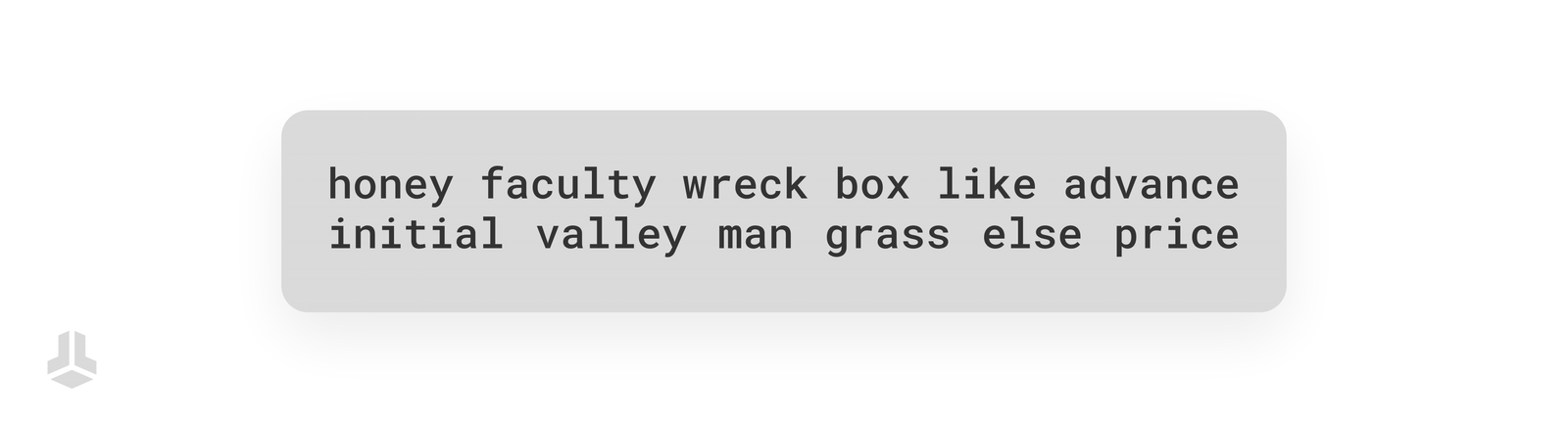
Additional backups can be created on multiple microSD cards to introduce redundancy to the setup. At any point, the recovery words can also be displayed directly on the device and written down manually. Digital and analog backups can be combined freely, allowing the setup to be adjusted to individual security preferences and threat models.
In other words, convenience does not replace control – it complements it. For instance, one could simply tape the microSD to a regular paper or steel backup, combining the best of both worlds: Convenience and durability.
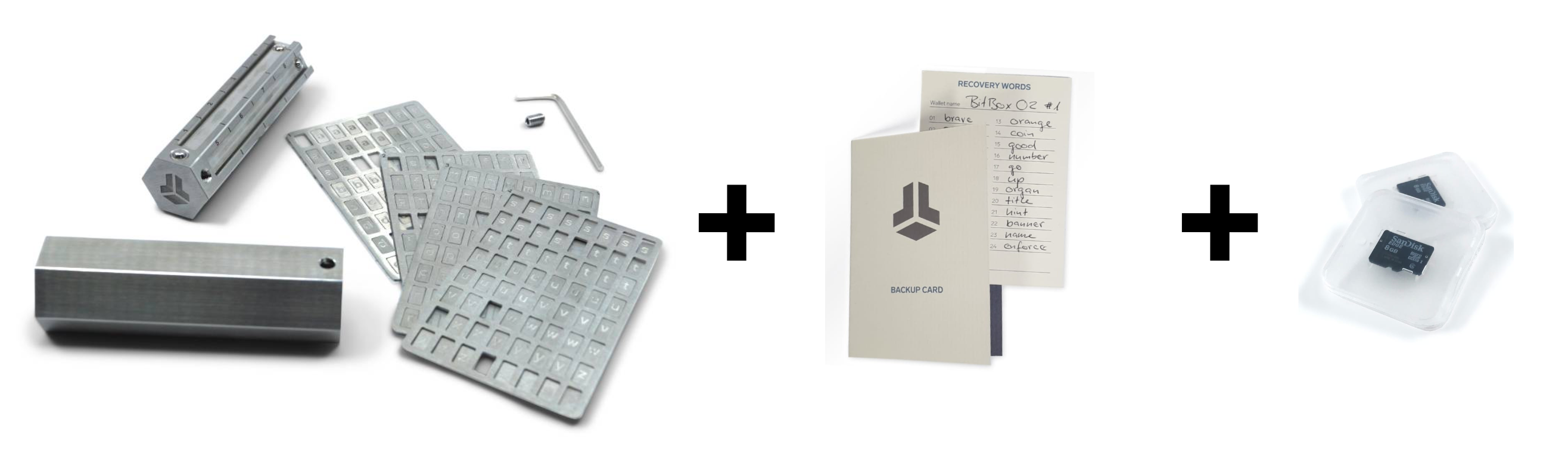
The microSD card also comes in handy when managing multiple different wallets with a single BitBox, as multiple different backups can be created on a single microSD card. While restoring from recovery words on a hardware wallet manually is often a tedious process, the recovery from a microSD card takes – you guessed it – just a few seconds, allowing you to switch between backups more conveniently.
Option to skip
Not every user wants a backup on a microSD card, and that’s perfectly valid. Some prefer a “hands down” approach from the very beginning. Experienced users may already have their own established backup procedures. For this reason, the BitBox allows you to skip the automatic microSD backup during setup and secure your recovery words manually on paper or steel instead.
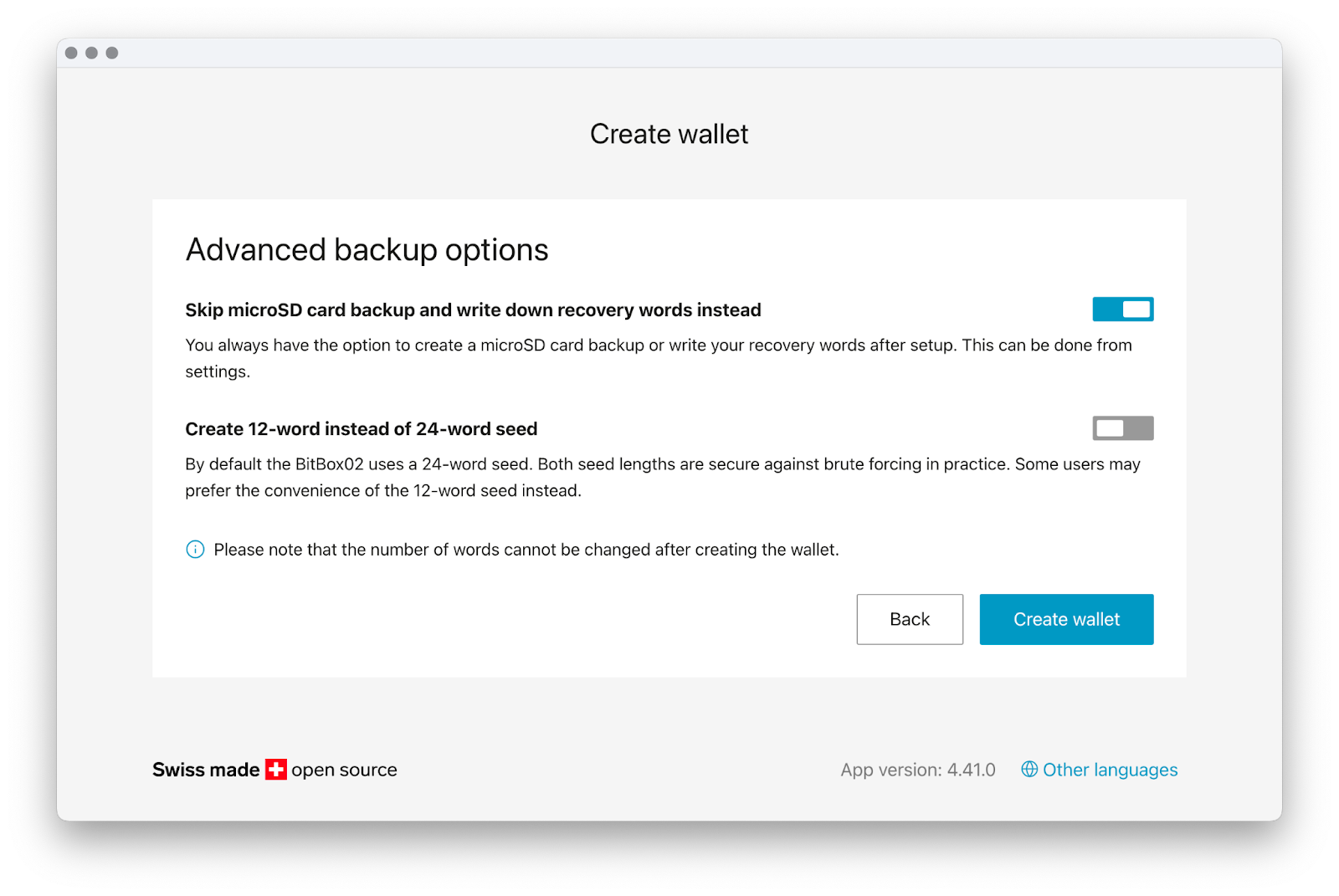
The goal is not to dictate one “correct” way of securing your backup, but to reduce fear and friction for those who need it, while preserving full flexibility for those who prefer a different approach. Self-custody is personal. Your backup strategy should be too.
Conclusion
The recovery words are the single most important element of your wallet. They are the master key to your bitcoin, and securing them properly is essential. But the way this responsibility is introduced makes a difference.
By creating a secure microSD backup in seconds, the BitBox removes the anxiety and error-prone manual transcription step from the very beginning. Setup becomes calmer, smoother, and more approachable – especially for those who are new to self-custody.
You can still write down your recovery words.
You can still secure them in stainless steel.
You can still build a highly resilient backup strategy.
The difference is that you don’t have to start your journey with unnecessary stress. And for many users, that’s exactly what can make self-custody finally feel achievable.
Don’t own a BitBox yet?
Keeping your crypto secure doesn't have to be hard. The BitBox hardware wallets store the private keys for your cryptocurrencies offline. So you can manage your coins safely.
Both the BitBox02 Nova and the BitBox02 also come in a Bitcoin-only edition, featuring a radically focused firmware: less code means less attack surface, which further improves your security when only storing bitcoin.
Buy the BitBox02 Nova or grab a BitBox02 in our shop!
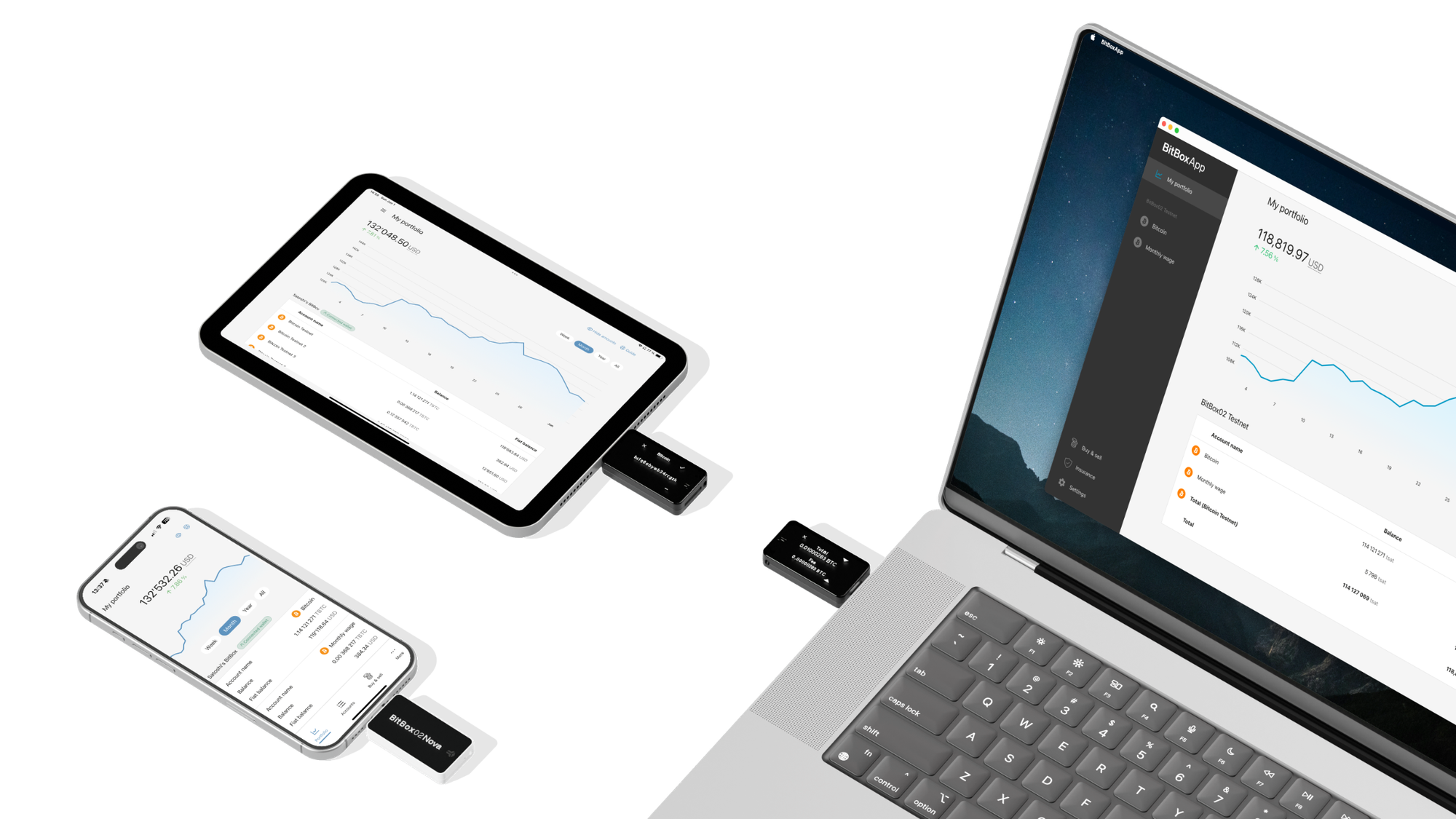
Shift Crypto is a privately-held company based in Zurich, Switzerland. Our team of Bitcoin contributors, crypto experts, and security engineers builds products that enable customers to enjoy a stress-free journey from novice to mastery level of cryptocurrency management. The BitBox02, our second generation hardware wallet, lets users store, protect, and transact Bitcoin and other cryptocurrencies with ease — along with its software companion, the BitBoxApp!